
All-in-one smart interactive display · S series
ClassIn Board
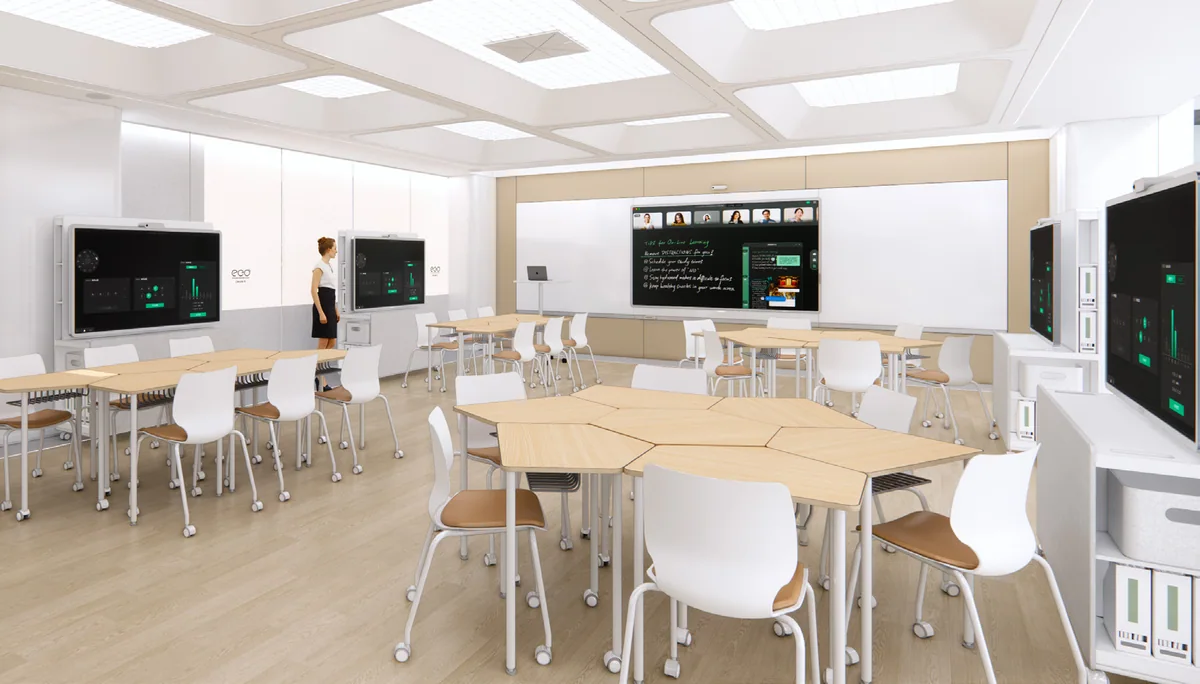
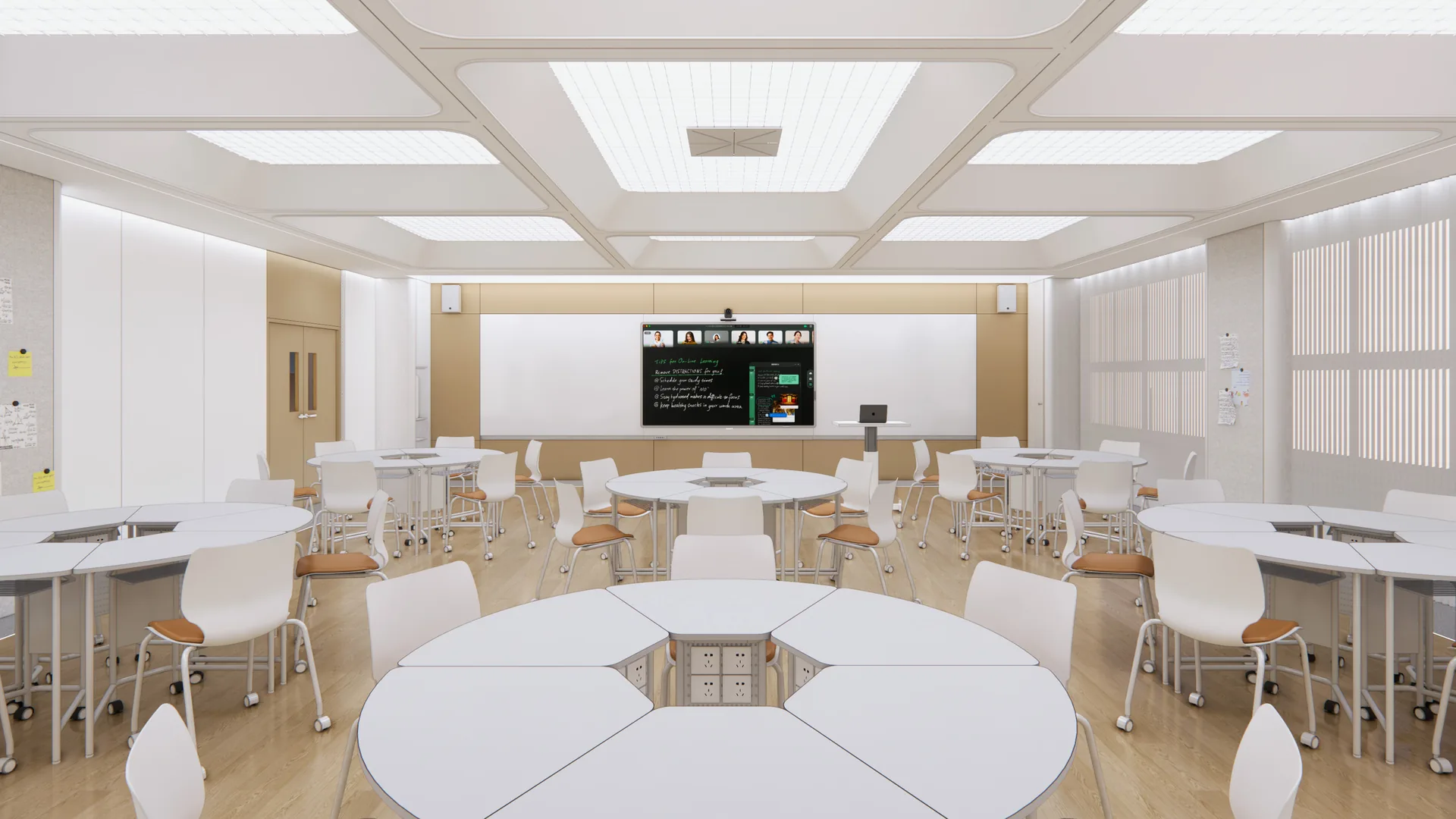
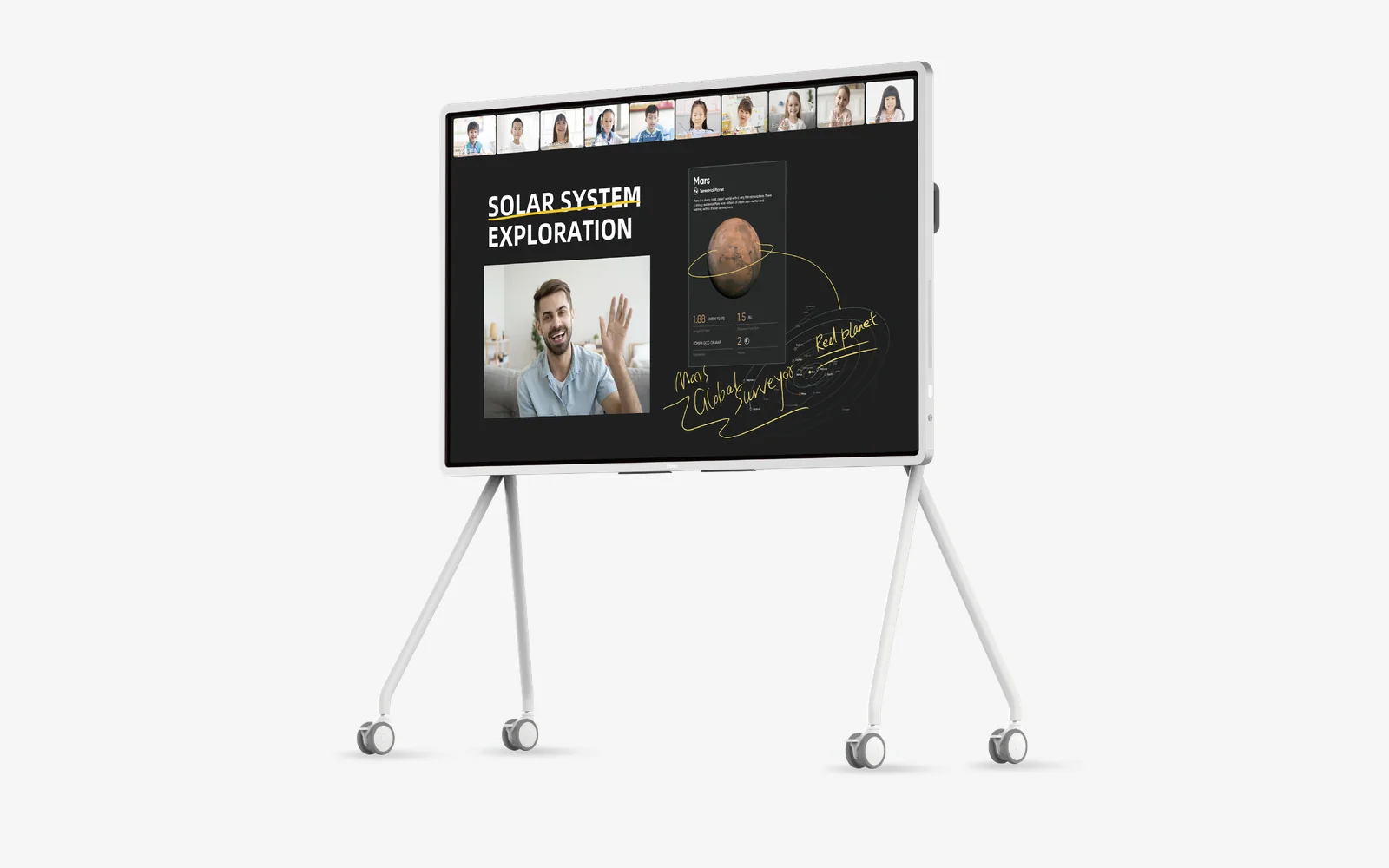
An interactive display designed for teaching, with ClassIn’s teaching software built in.
- 65″–110″
- five sizes
- 4K
- 50-point touch
- Anti-glare
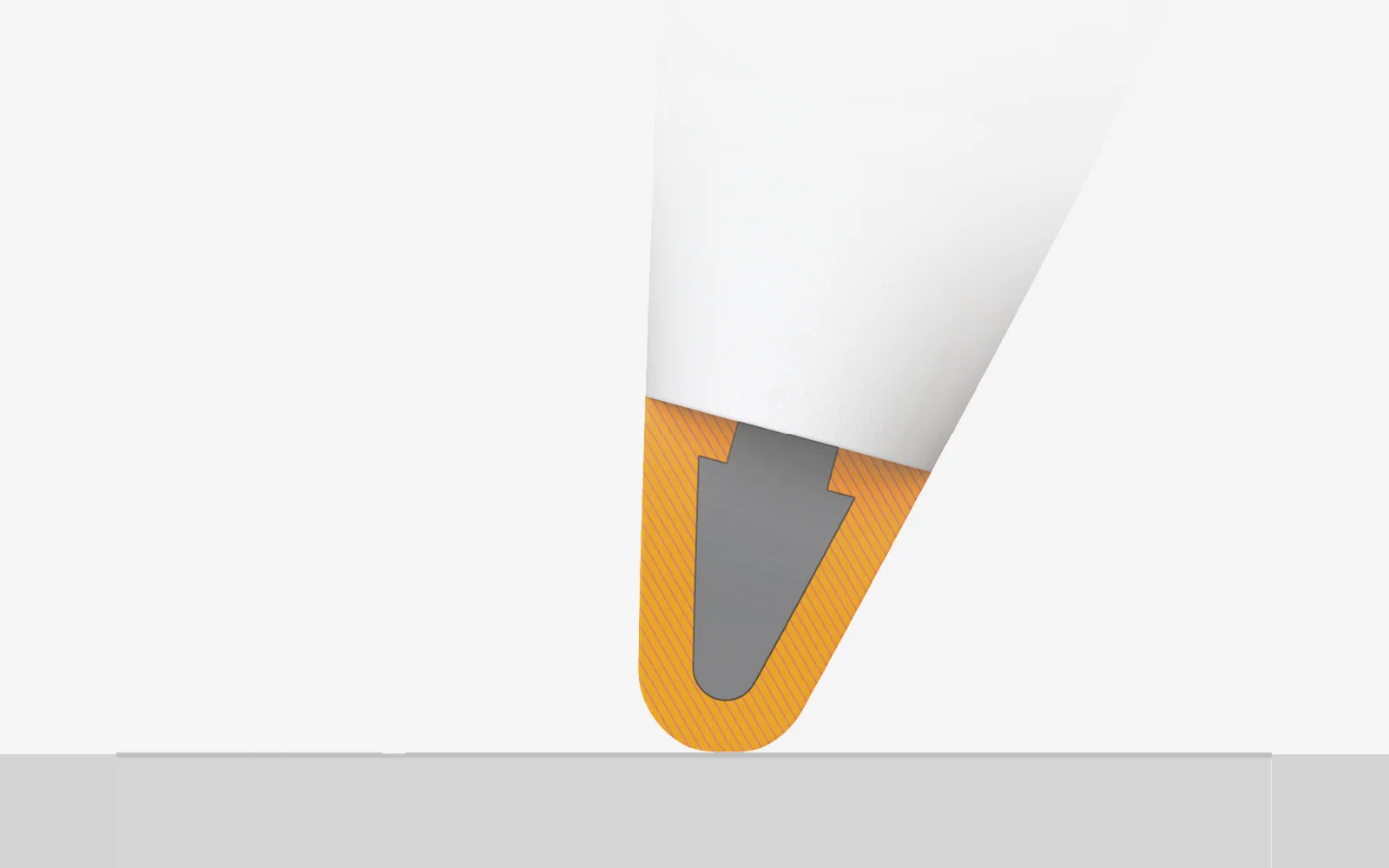
- etched glass, clear from both sides
 iF Design Award 2023
In real classrooms
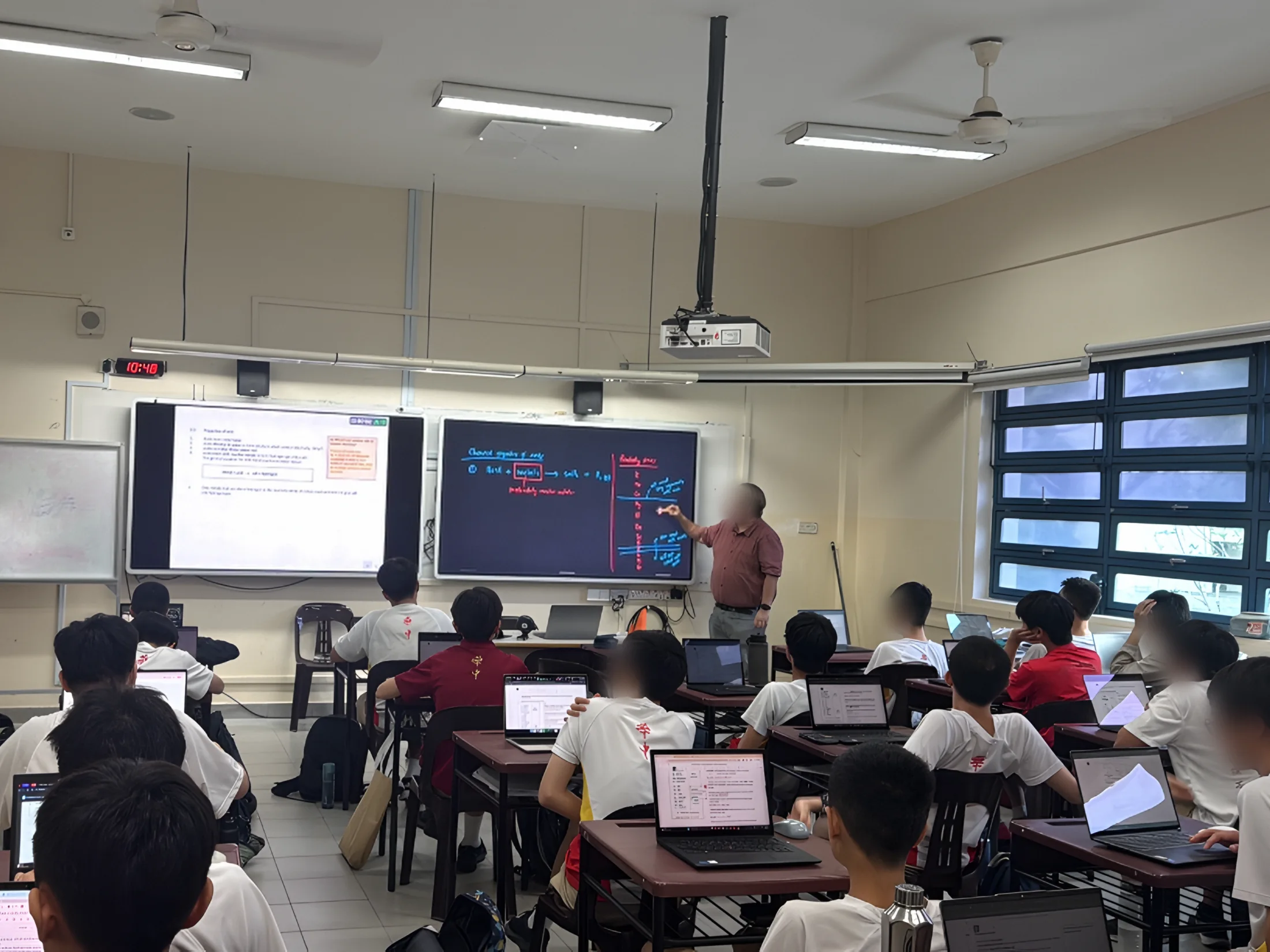
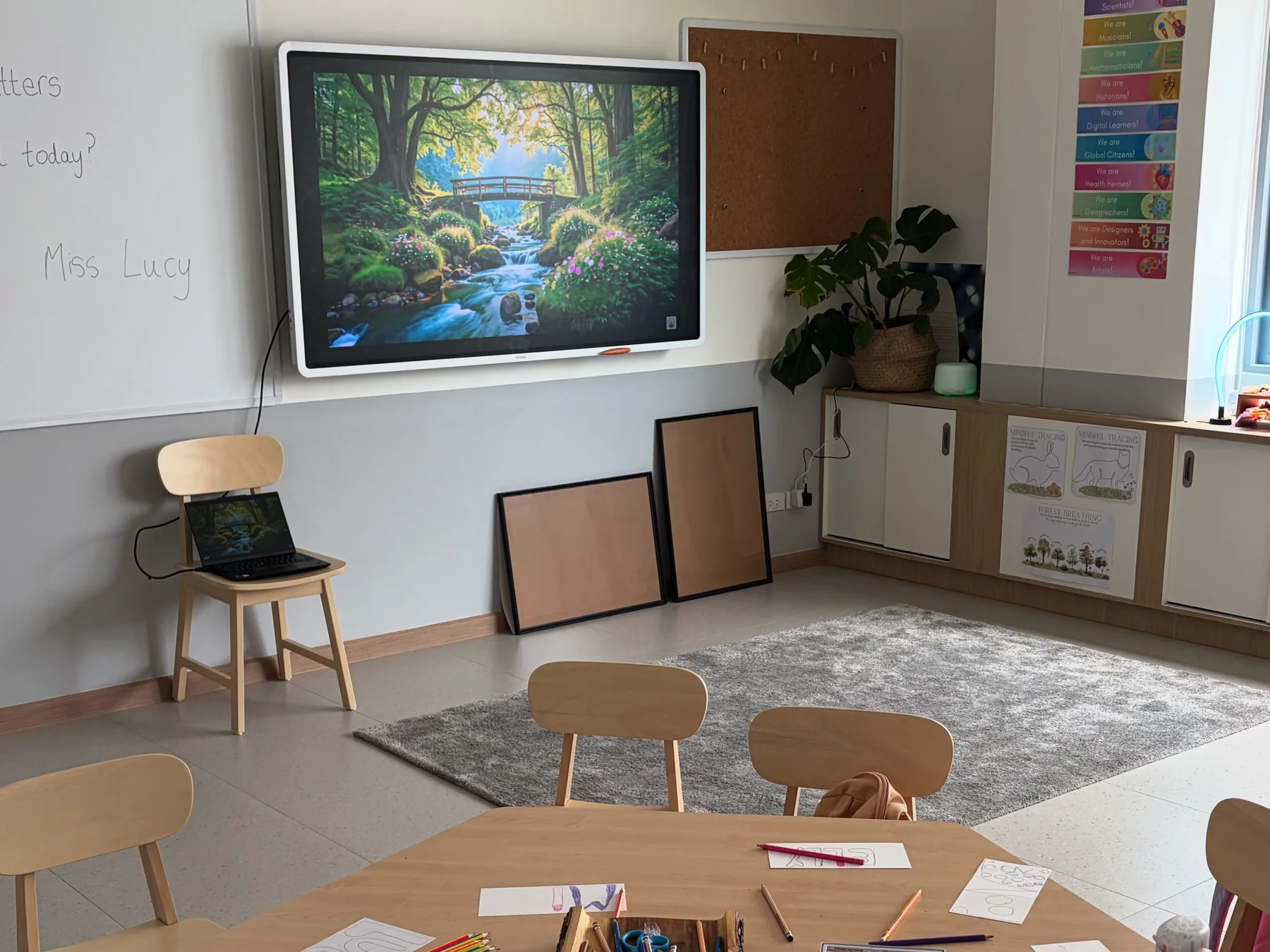
 Secondary school · Singapore
Hwa Chong Institution
- 2
- parallel teaching views
- 3
- subject areas: mathematics, science and Chinese
- The challenge. Teachers need to keep teaching materials visible while developing ideas in real time. They also need practical ways to capture explanations and revisit them with students, without adding another complicated workflow to each lesson.
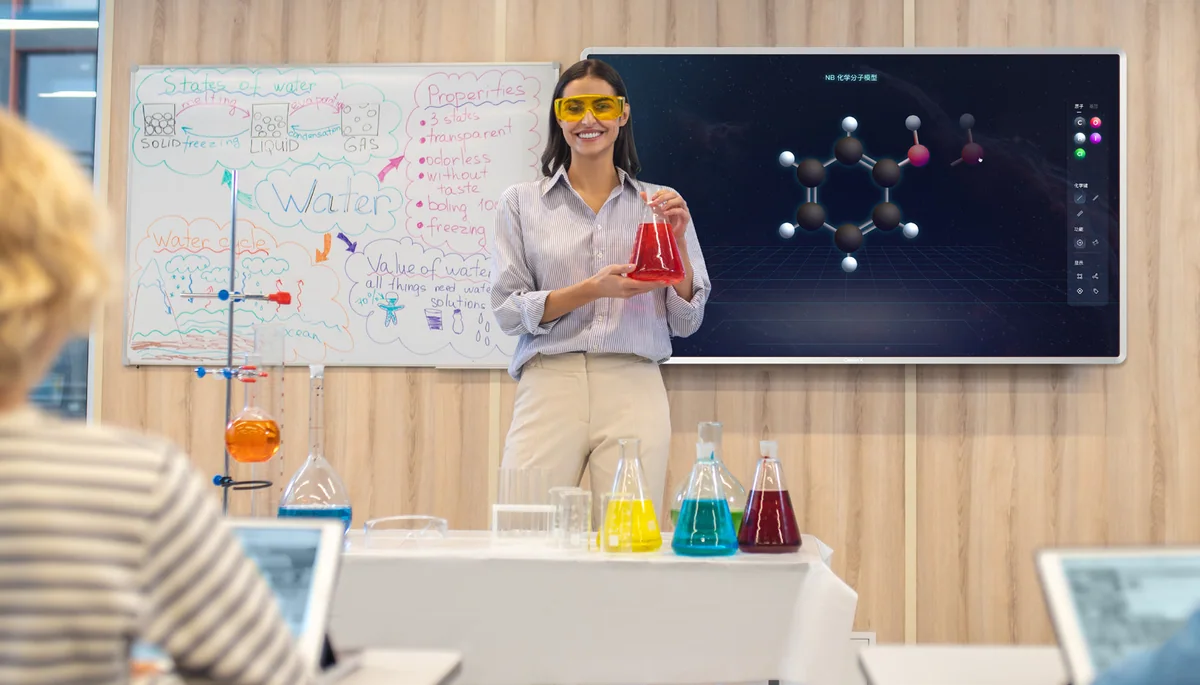
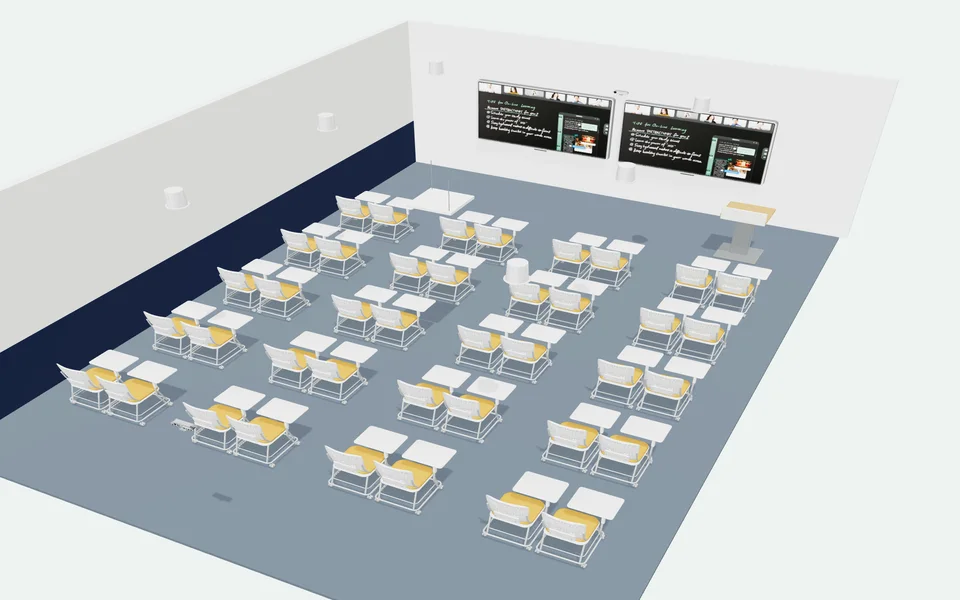
- How ClassIn helps. Dual-screen teaching works alongside subject-focused AI tools for mathematics, science and Chinese. Teachers can keep course materials visible on one screen while using another for live writing and annotation, with lesson recording available as part of the teaching workflow.
- In the lesson. During a lesson, a teacher can move between prepared content and spontaneous explanation without repeatedly switching screens. Subject-focused AI assistance is intended to support, rather than replace, teacher judgement and the classroom discussion.
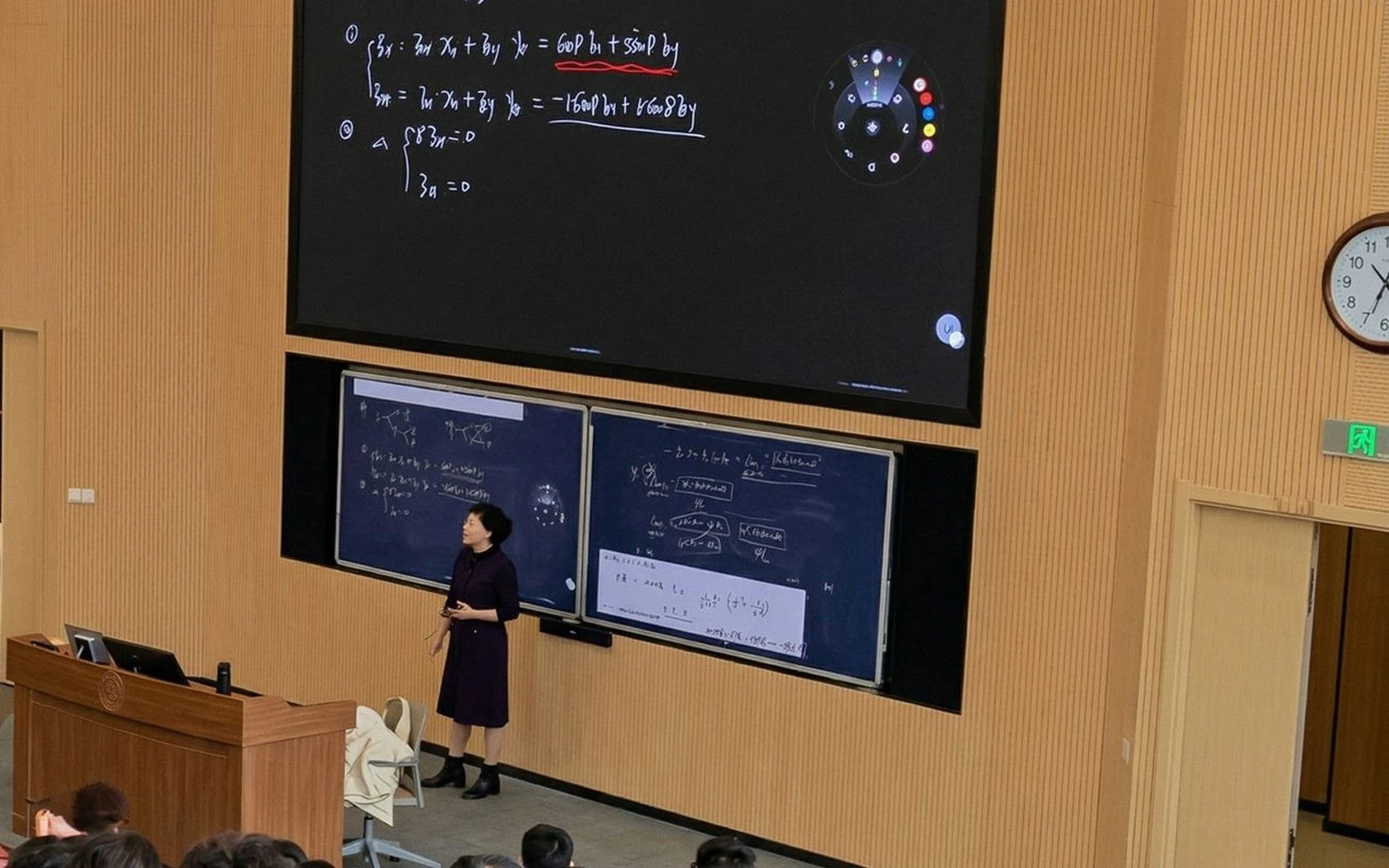
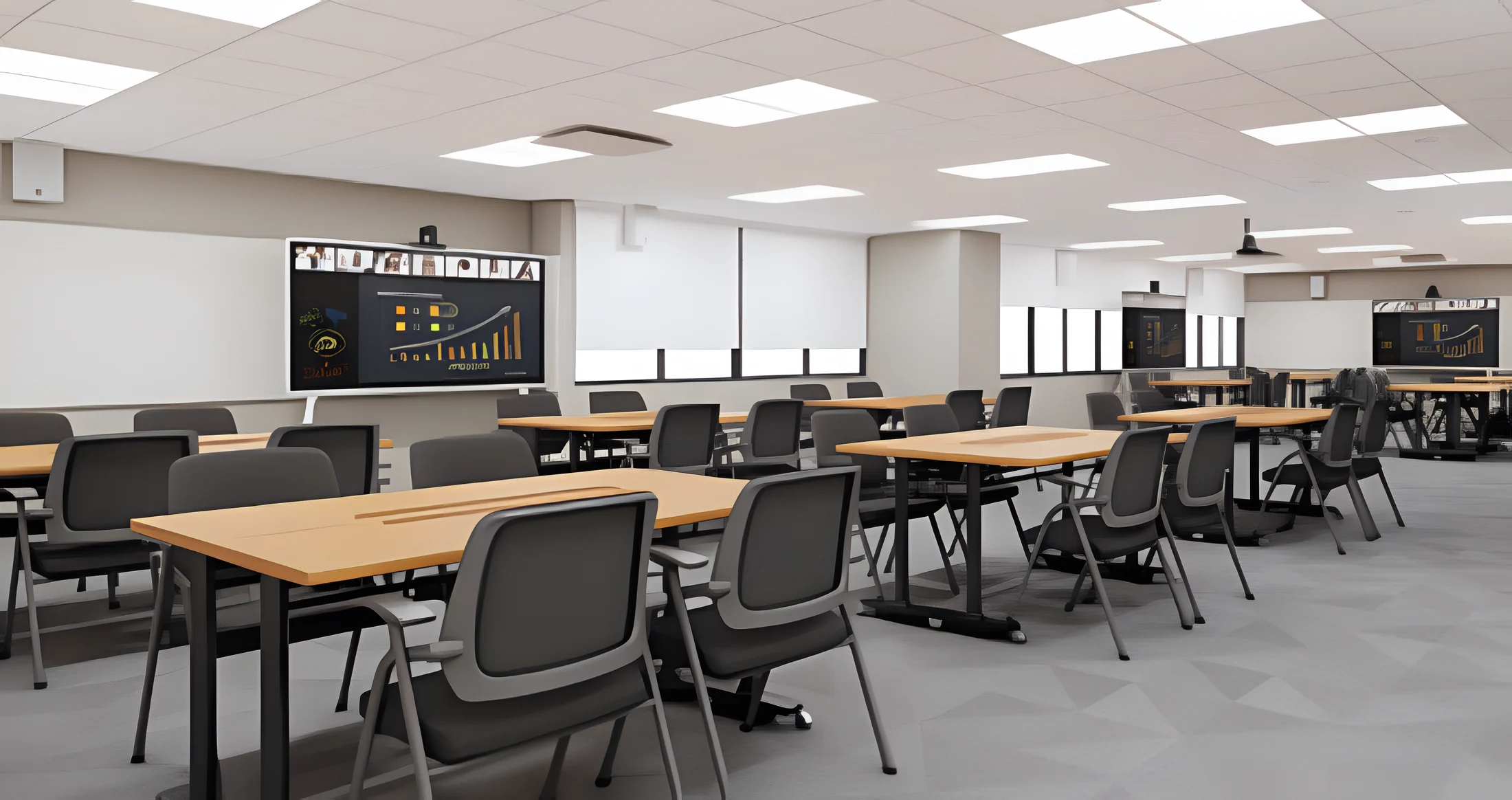
 Shanghai Jiao Tong University · Lecture halls and seminar rooms
More room for reasoning, from lecture halls to seminars
- 2
- types of space: lecture halls and seminar rooms
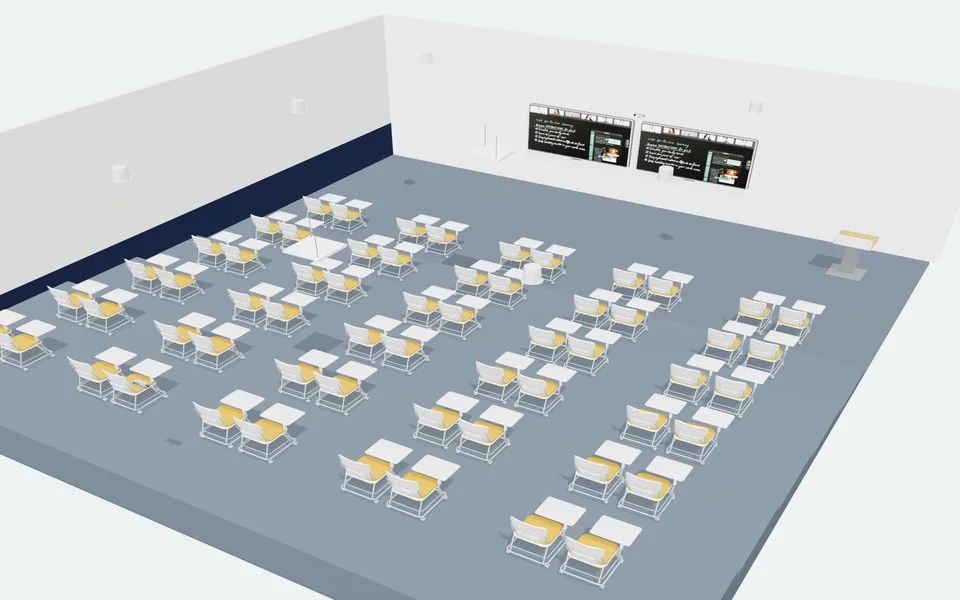
- The need. In a content-heavy lecture, slides and live writing often compete for limited display space. In seminars, handwritten derivations and group work can be difficult to preserve once the board is cleared. Hybrid participation adds another layer of complexity.
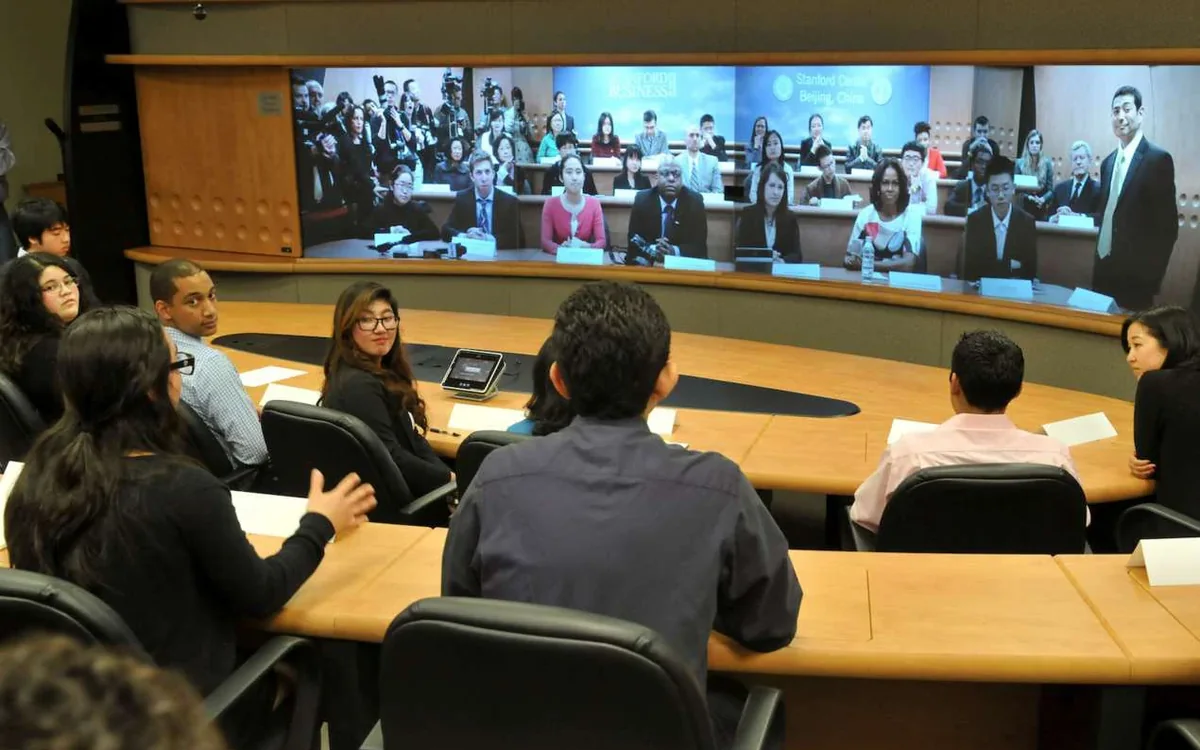
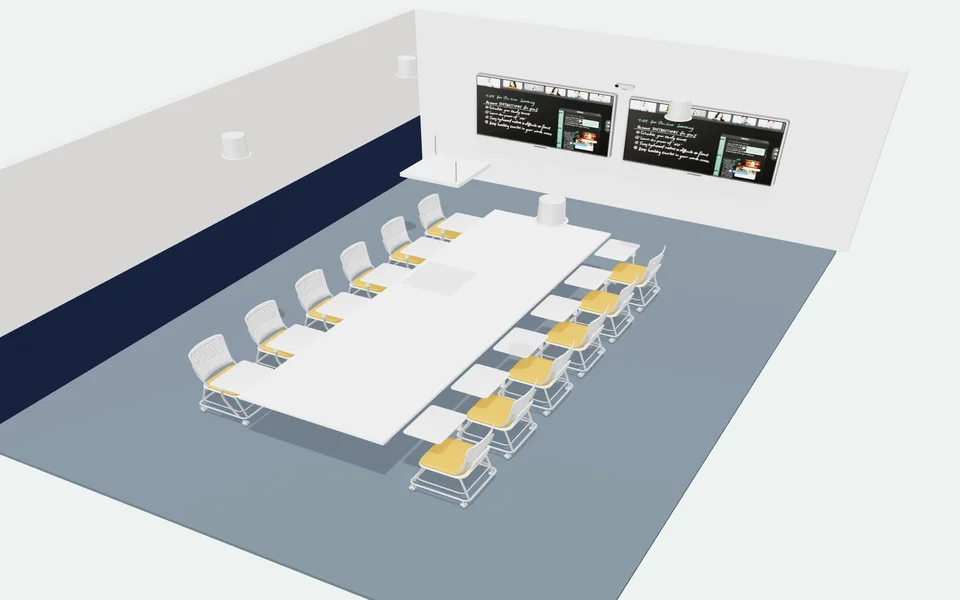
- Solution. At Shanghai Jiao Tong University, ClassIn-equipped lecture and seminar spaces combine large interactive displays, digital boardwork and audio-visual support. Teachers can present prepared materials alongside live annotations, while smaller spaces accommodate group interaction and shared problem-solving.
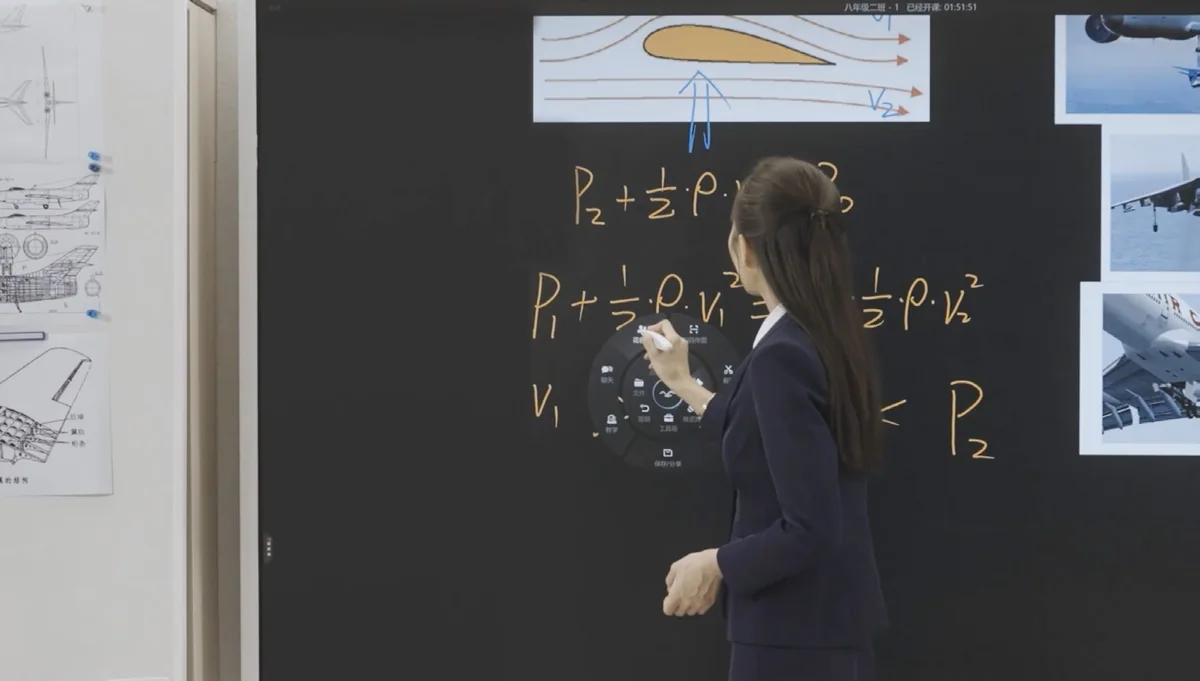
- Result. A lecturer can develop an equation step by step without losing the original course material. In a seminar, students can discuss an approach face to face, then bring their work into a shared digital view. Saved board content can help participants revisit the reasoning after class.
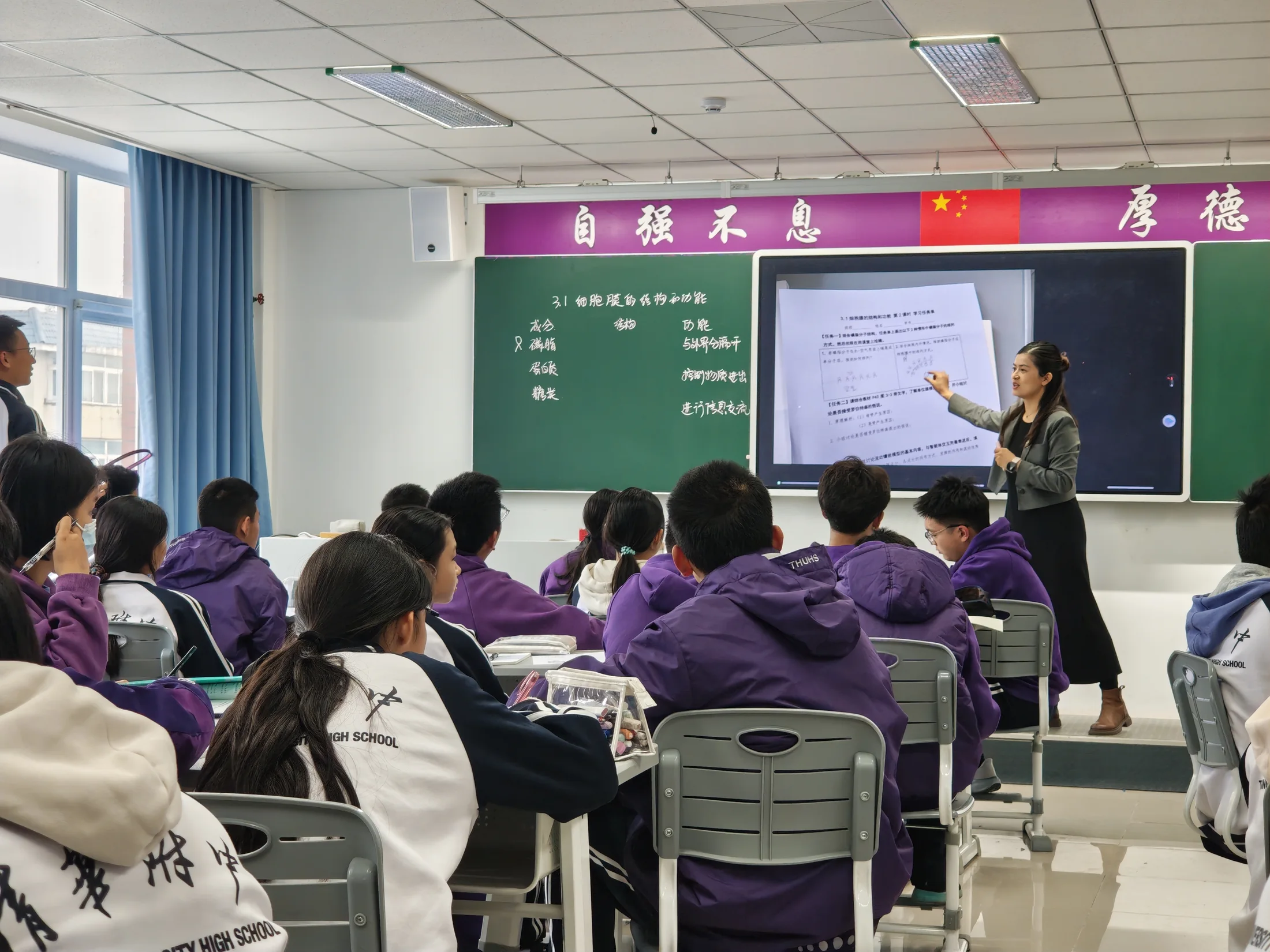
 Secondary school · Beijing
Tsinghua University High School
- 135
- ClassIn Boards
- 84%
- of teachers active within 2 months
- 52.3%
- of lessons recorded every school day
- Scale. 135 ClassIn Boards across the middle- and high-school campuses.
- Teacher ramp-up. One 30-minute training session, and 84% of teachers active within two months.
- Daily recording. 52.3% of lessons recorded and archived every school day, with no action from the teacher.
- Everyday tools. Random Picker, Board-within-Board, Timer, QR Share and Screenshot.
ClassIn Board
All-in-one smart interactive display · S series
Specifications
- Display
- 4K, 16:9, 178° viewing angle, full-laminated, 60 Hz
- Writing latency
- 0.03–0.06 seconds
- Glass
- Etched anti-glare and anti-fingerprint glass, so students on both sides can see clearly
- Eye care
- Hardware-level low blue light; TÜV eye-care certified
- Audio
- 2 × 15 W speakers
- Computer
- OPS computer module, with Windows for cloud file access
- Camera (separate unit)
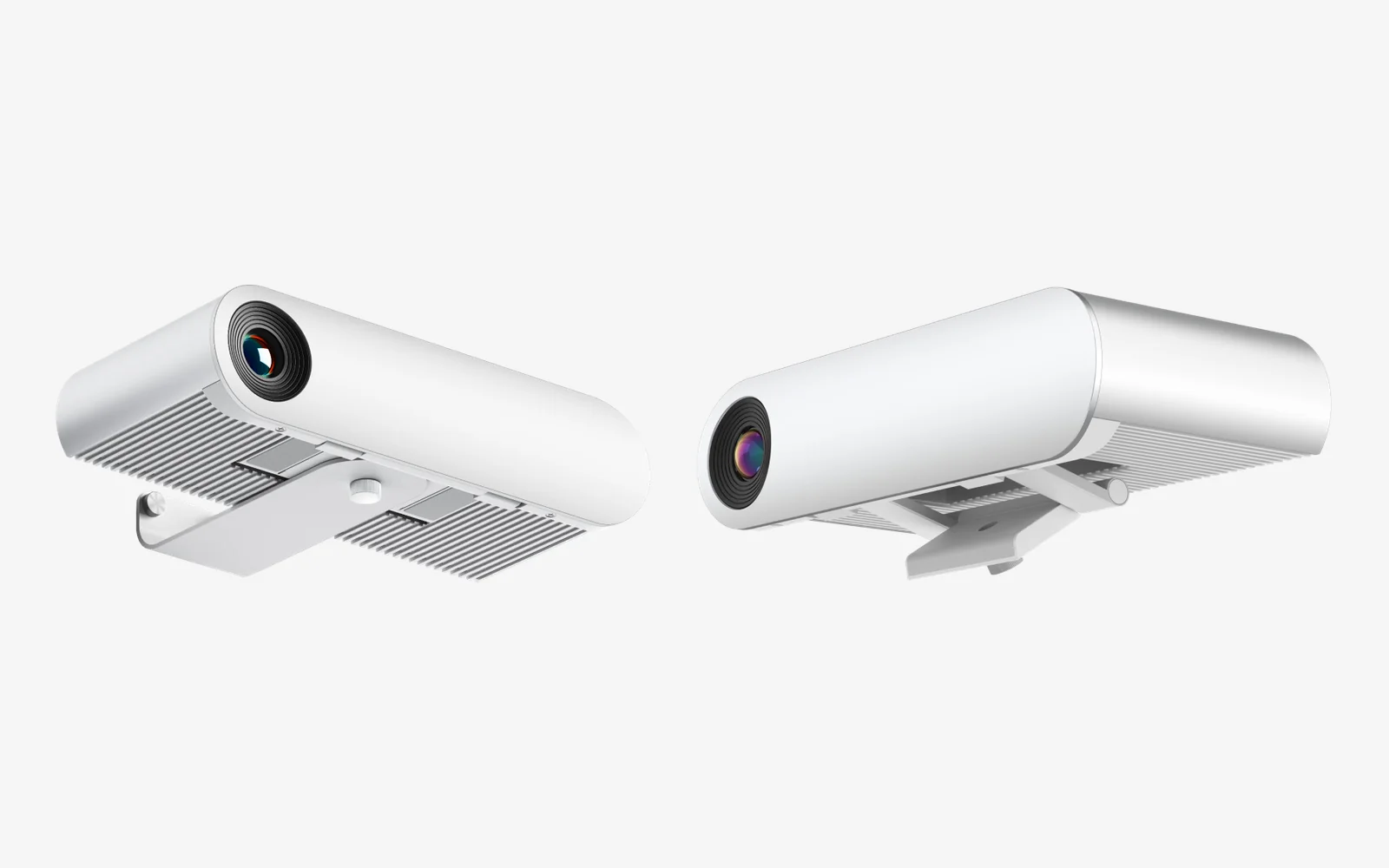
- 4K camera with AI person tracking, attaches magnetically
- Touch
- 50-point infrared touch, 2 ms response, 1.5 mm recognition, 1 mm touch height; half-screen slider on both sides
- Mounting
- Wall mount or mobile cart (separate); stylus included
Touch gestures
- 1 finger: drag
- 2 fingers: turn the page or box-select
- Palm or back of the hand: erase
- 4 fingers: shortcut dial
- 5-finger pinch: open the AI Assistant
- Swipe down from the side: half-screen mode
Display care
- Hardware-level blue light protection cuts short-wave blue light by up to 90%
- Full lamination (OCA): over 90% light transmittance and ultra-wide viewing angles
Built in
- Infinite whiteboard: annotate live, save the Board state to the cloud and resume next lesson
- Native Teaching OS: whiteboard, polls, Sketch Board and groups, built in
- Cable-free casting: any student laptop or phone casts to the Board, with no dongles
- Dual-screen and recessed wall installation
Models
| Model | Screen | Size (L × H × D) | Built-in mic |
|---|---|---|---|
| S65 · BS65A | 65″ | 1508.7 × 889.9 × 94.8 mm | 8-mic array |
| S75 · BS75A | 75″ | 1730.6 × 1015.2 × 95.5 mm | 8-mic array |
| S86 · BS86A | 86″ | 1976.6 × 1153.3 × 95.5 mm | 8-mic array |
| S98 | 98″ | 2227.9 × 1287.4 × 100.6 mm | 8-mic array |
| S110 · BS110A | 110″ | 2520.6 × 1457.2 × 110.0 mm | None |