ClassIn Platform
One platform.
AI in every lesson.
Teach in the room, online or both. The AI helps during the lesson and after it.
Five moments in a ClassIn lesson.
Ask the class. Every answer comes in live.
A student answers a poll on a tablet; on the ClassIn Board all ten answers come in, and the teacher sets the correct answer.
Split the class into groups, each with its own workspace.
The teacher sets up breakout groups on the ClassIn Board, and labels mark the four groups around the room.
A teacher joins the lesson remotely, on the Board.
A remote teacher appears on the ClassIn Board beside the teacher in the room, then teaches from his own desk.
One task on the Board. Every student answers on their own device.
A matching task on the ClassIn Board is sent out, and students complete it on a laptop and a tablet.
Work on paper, take a photo, and the teacher checks it on a tablet.
A student writes on paper and photographs it with a phone; the teacher receives the submission on a tablet.
Why the AI works
Built on the lesson itself.
AI Lesson Analysis draws on three sources.
-
Audio
The classroom audio, through the microphone.
-
Board and camera
The ClassIn Board and the camera view.
-
Participation
How each logged-in student took part in the lesson.
ClassIn builds all three layers: the hardware, the software and the AI. See the hardware
Ways to teach
In the room, online
or both.
-
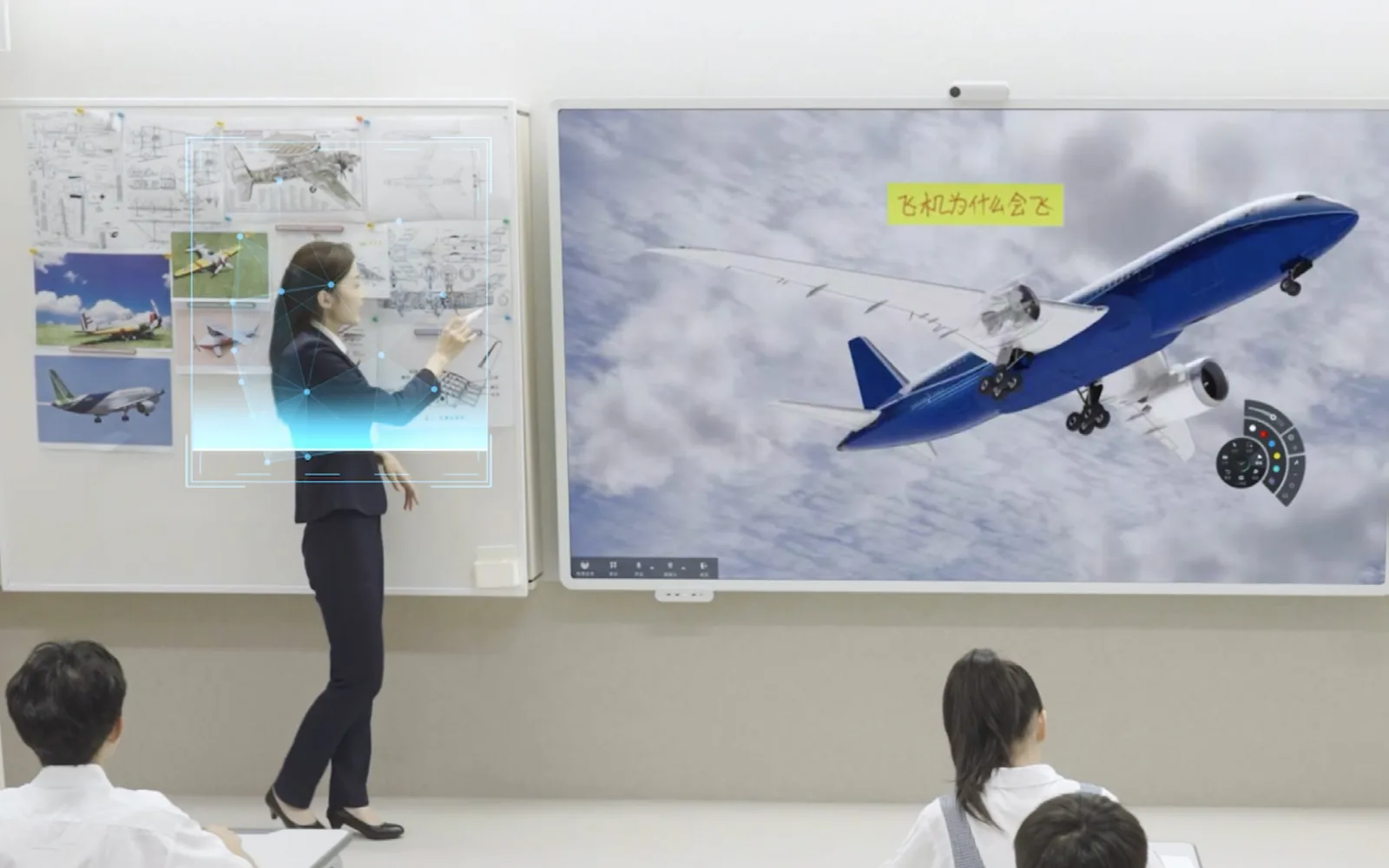
In the room
ClassIn runs on the Board at the front of the class.
-
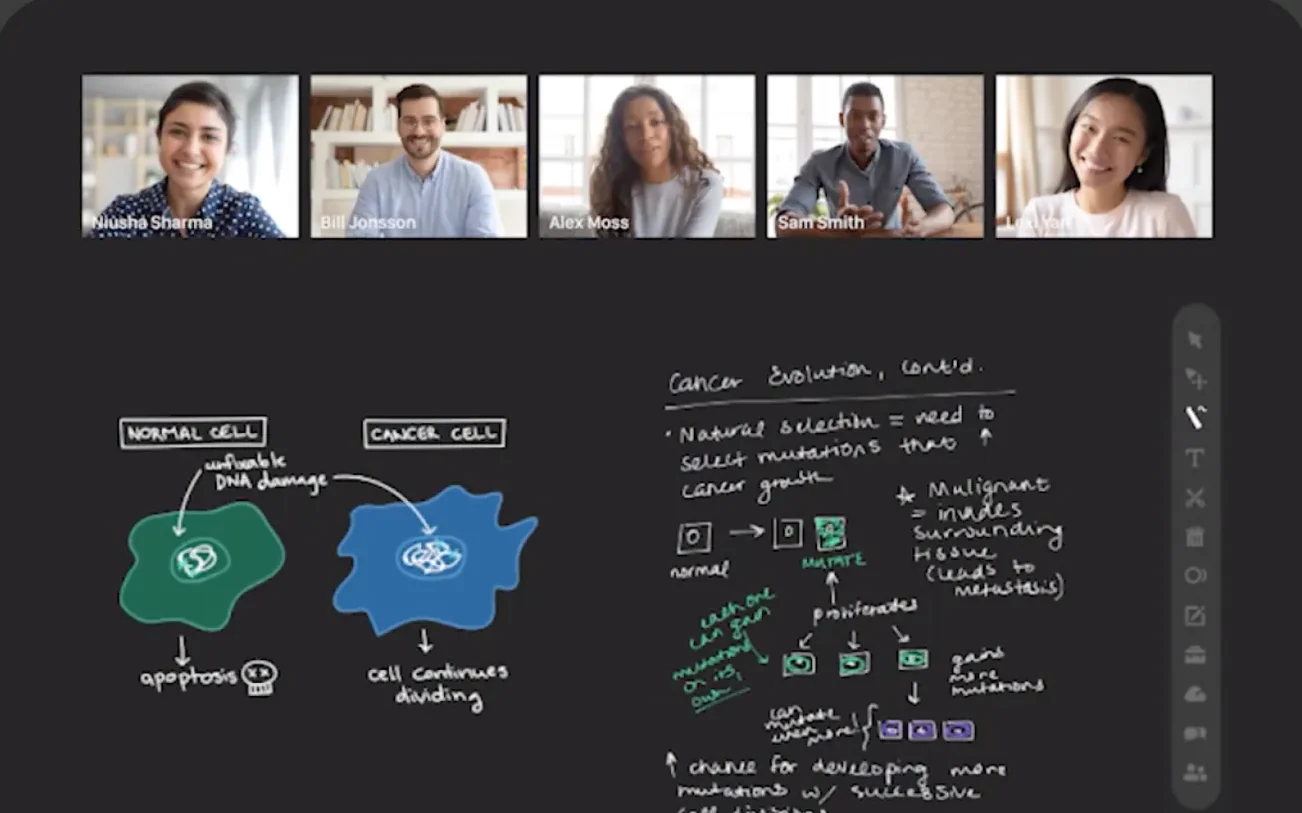
Online
A full virtual classroom, from one-to-one to large lectures.
-
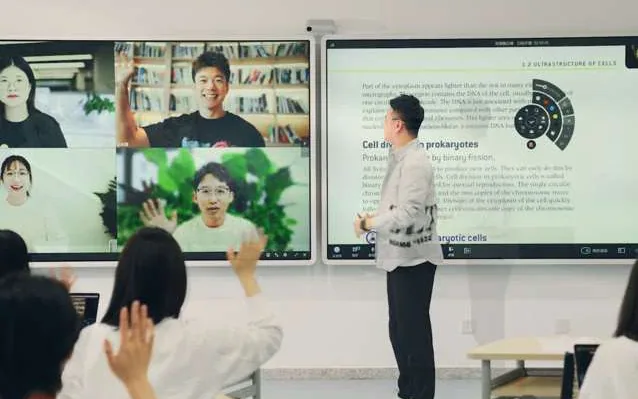
Hybrid
Students in the room and at home share one whiteboard and one lesson.
For the school
Run the whole school
on one platform.
Courses, administration and your own AI tools.
-
LMS
Courses, assignments and grades in one place.
LMS
Courses, assignments and grades in one place.
- Programmes, courses, sections and calendars, set up the way schools work.
- Activity types from lessons and tests to AI English and AI Chinese.
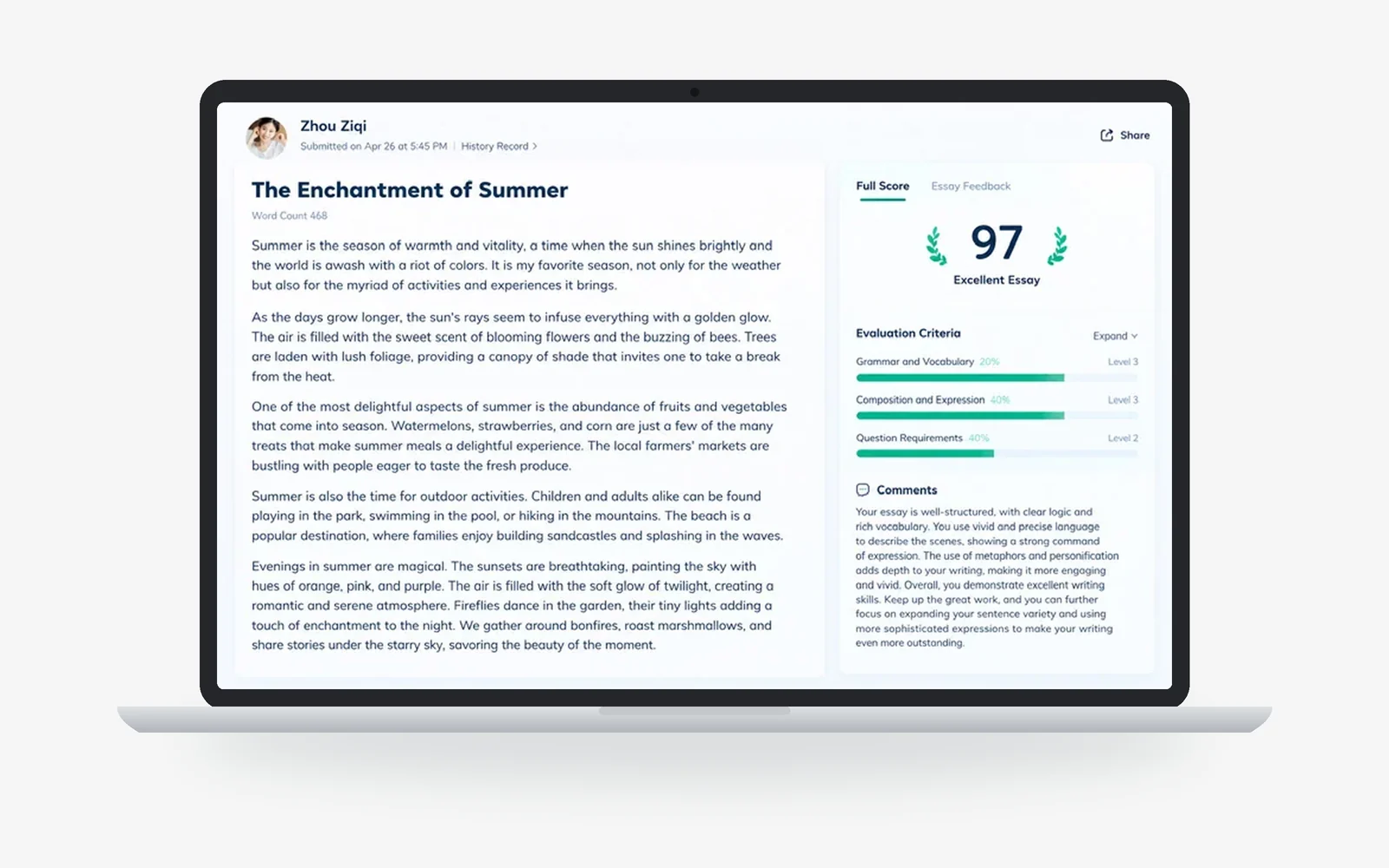
- AI Review scores an assignment first. The teacher does the final review.
- Announcements with read receipts, for parents, students and teachers.
-
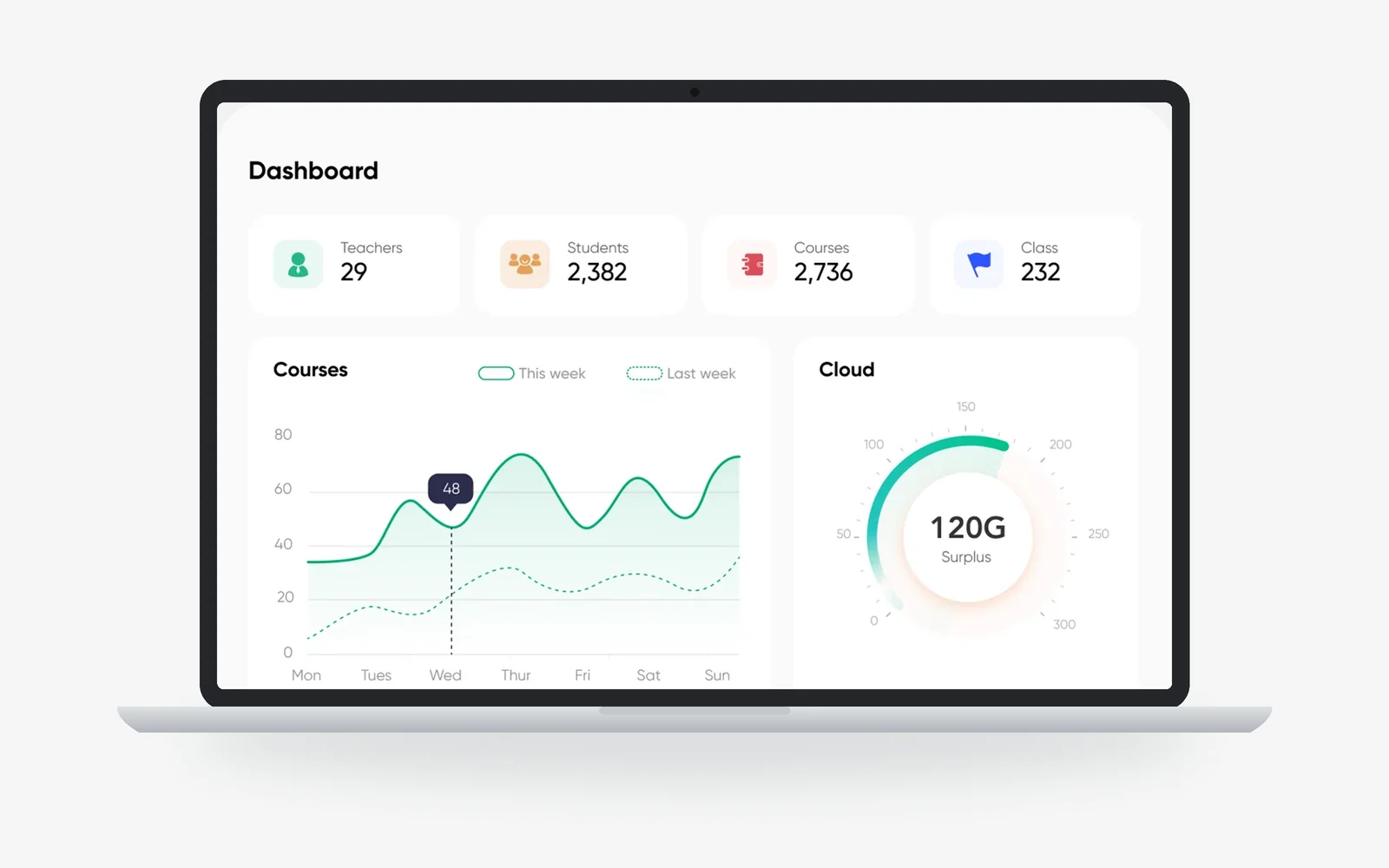
Admin dashboard
One dashboard for the people who run the school.
Admin dashboard
One dashboard for the people who run the school.
- Courses, teachers, students and calendars in one console.
- Performance dashboards, programme outcomes and attendance trends.
- Grading schemes, roles and permissions, set for your school.
- Notices with read tracking, to the whole school or one cohort.
-
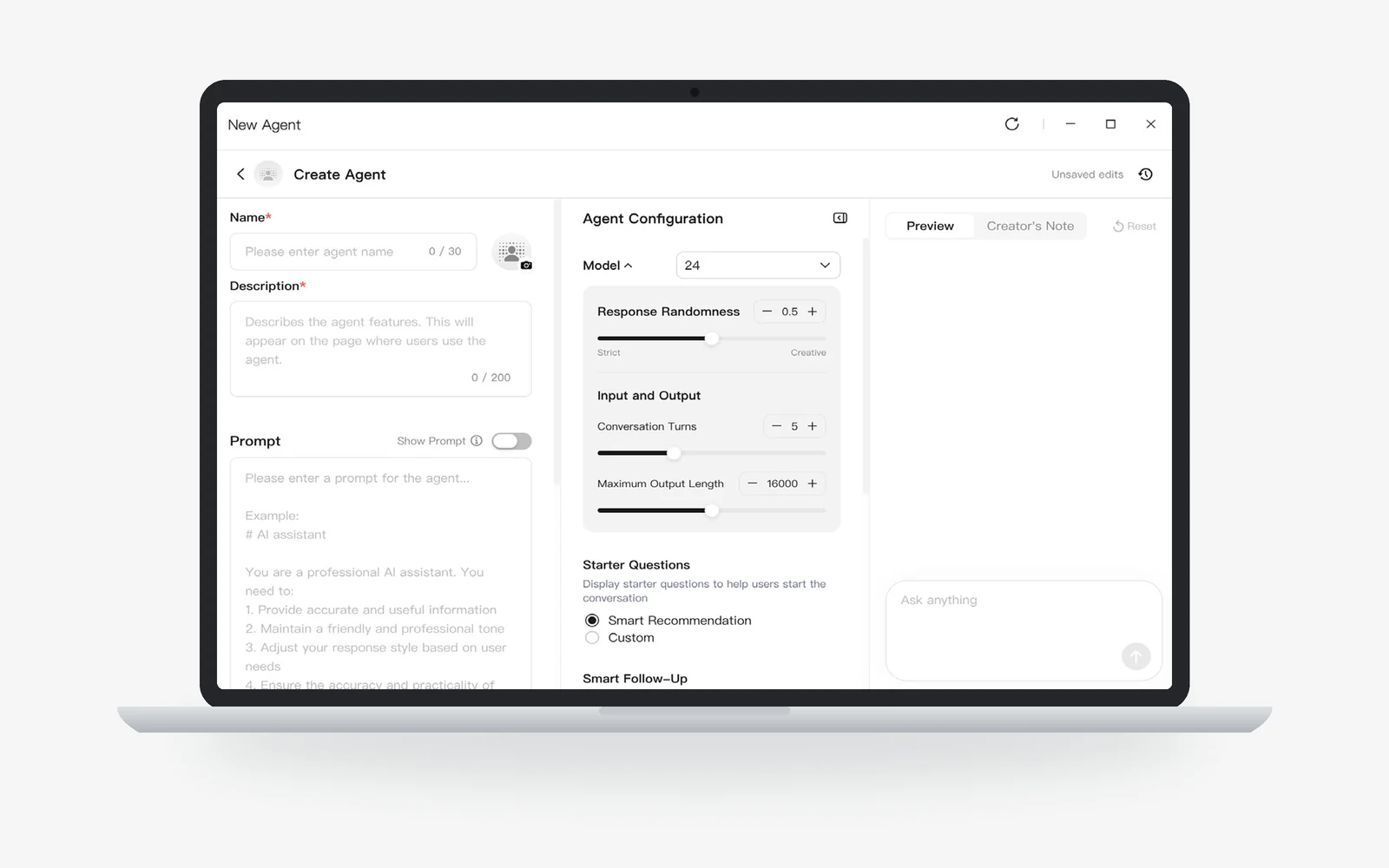
AgentIn
Build your own AI tools, with no code.
AgentIn
Build your own AI tools, with no code.
- Built-in classroom agents include Lesson Assistant, Q&A Agent and Search & Recall Agent.
- Nearly 100 ClassIn agents in the AgentIn store, ready to add to your lessons.
- Build your own from a template and share it with colleagues.
Integrations
Seamless integration with your existing LMS.
Connect ClassIn to the LMS and tools you already use, without switching between apps.
- Schedule, assign, manage and start lessons within one platform.
- Classroom data and insights flow into everyday LMS workflows.
- Lecture capture
- Panopto, Kaltura, Zoom Cloud
- Audio and video
- HDMI, Crestron, Extron
- Security
- SOC 2, ISO 27001, GDPR





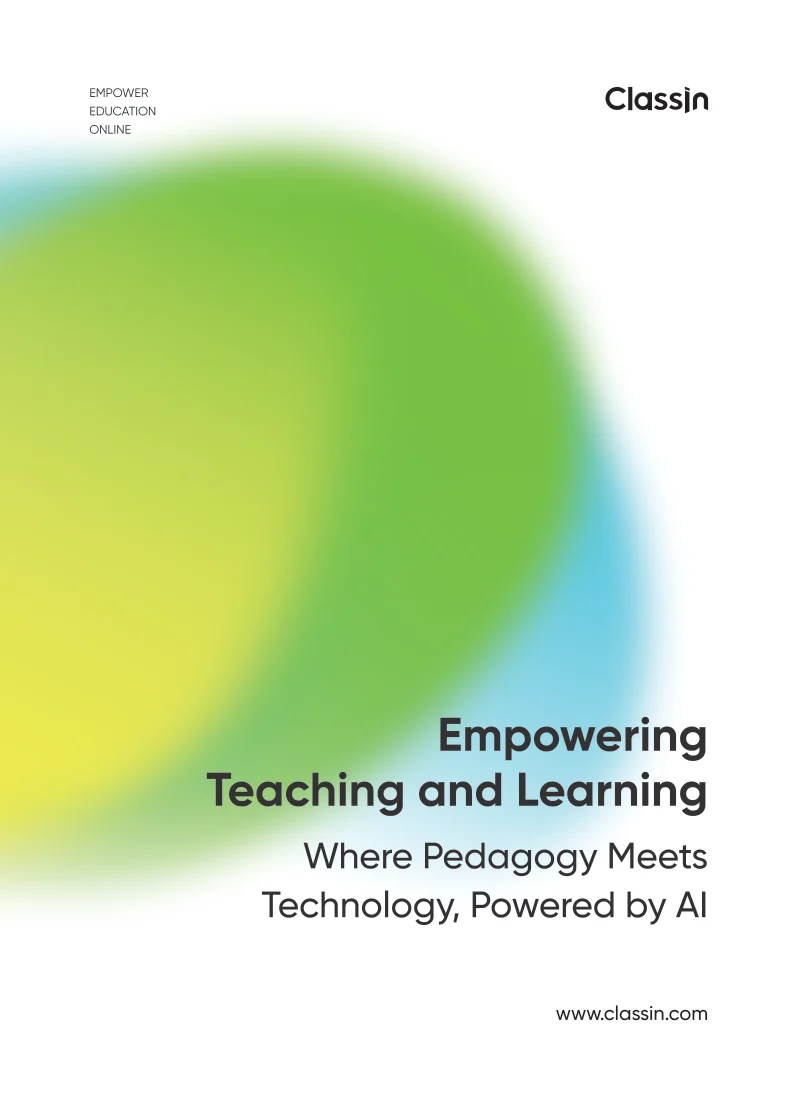
Software handbook
Empowering Teaching and Learning
The ClassIn platform and its AI features, from AI Sketch Board to AI Lesson Analysis, with AgentIn, the AI Virtual Lab and classrooms from Hwa Chong to Temasek Polytechnic.