Smart classrooms built for higher education.
- Hear from every student, even in large classes
- Let students rewatch lectures to revise
- Track class participation with AI
60,000+schools and institutions
150+countries and regions
50M+active teachers and students








How it works
Three layers.
One classroom.
Hardware, software and AI, built by ClassIn to work together.
-
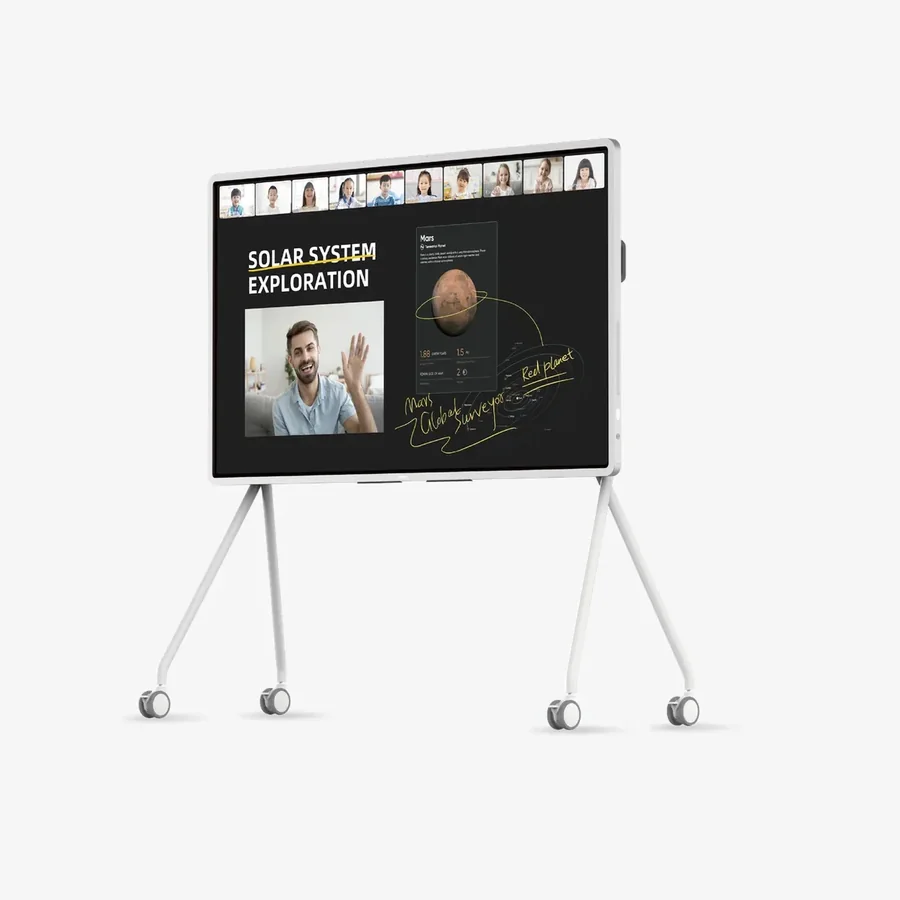
1 Hardware
Smart classroom
ClassIn Board Tracking cameras Ceiling microphone
-
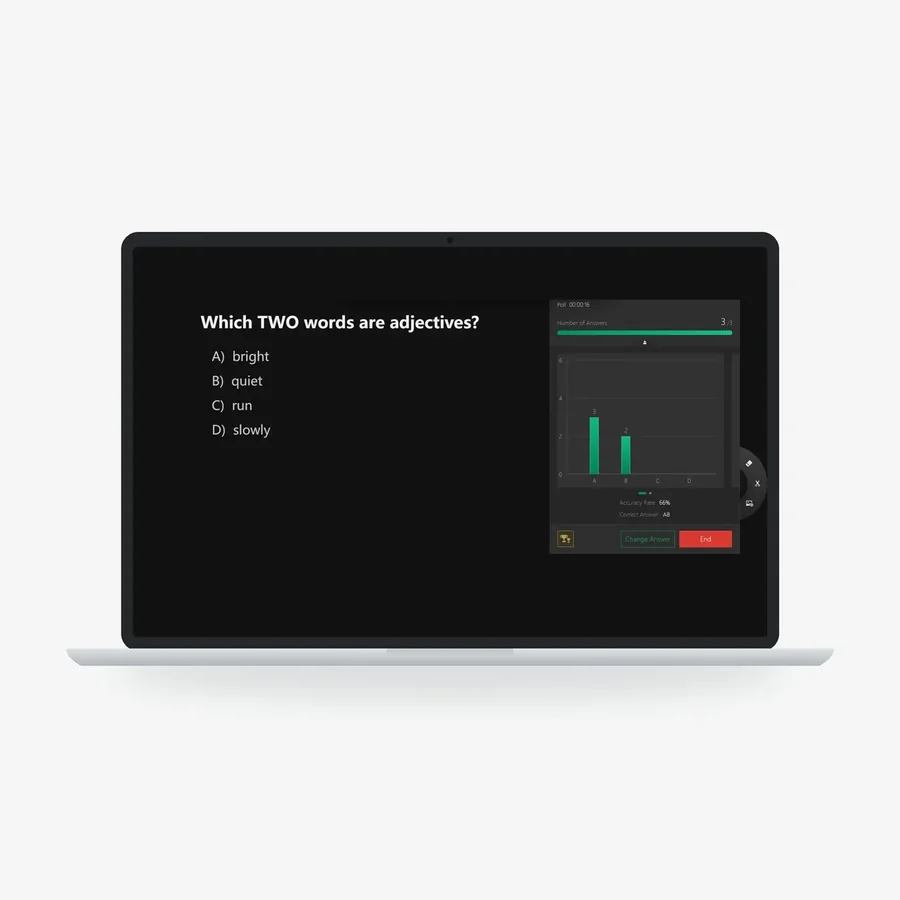
2 Software
ClassIn Platform
Polls Sketch Board Breakout groups
-
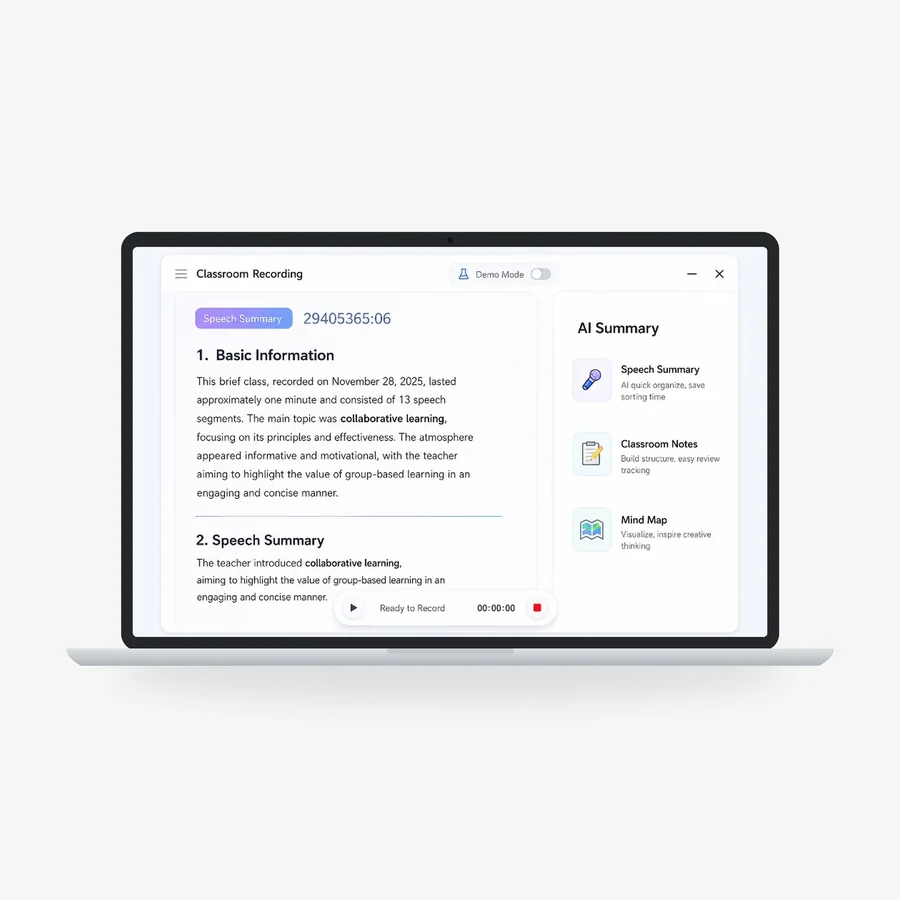
3 AI
ClassIn AI
AI Summary AI agents AI Lesson Analysis

- Hardware + software Lectures recorded automatically
- Software + AI AI measures participation
- Hardware + AI AI summarises every group discussion
What ClassIn provides.
One company supplies the hardware, the software and the AI, with installation and support in Singapore.
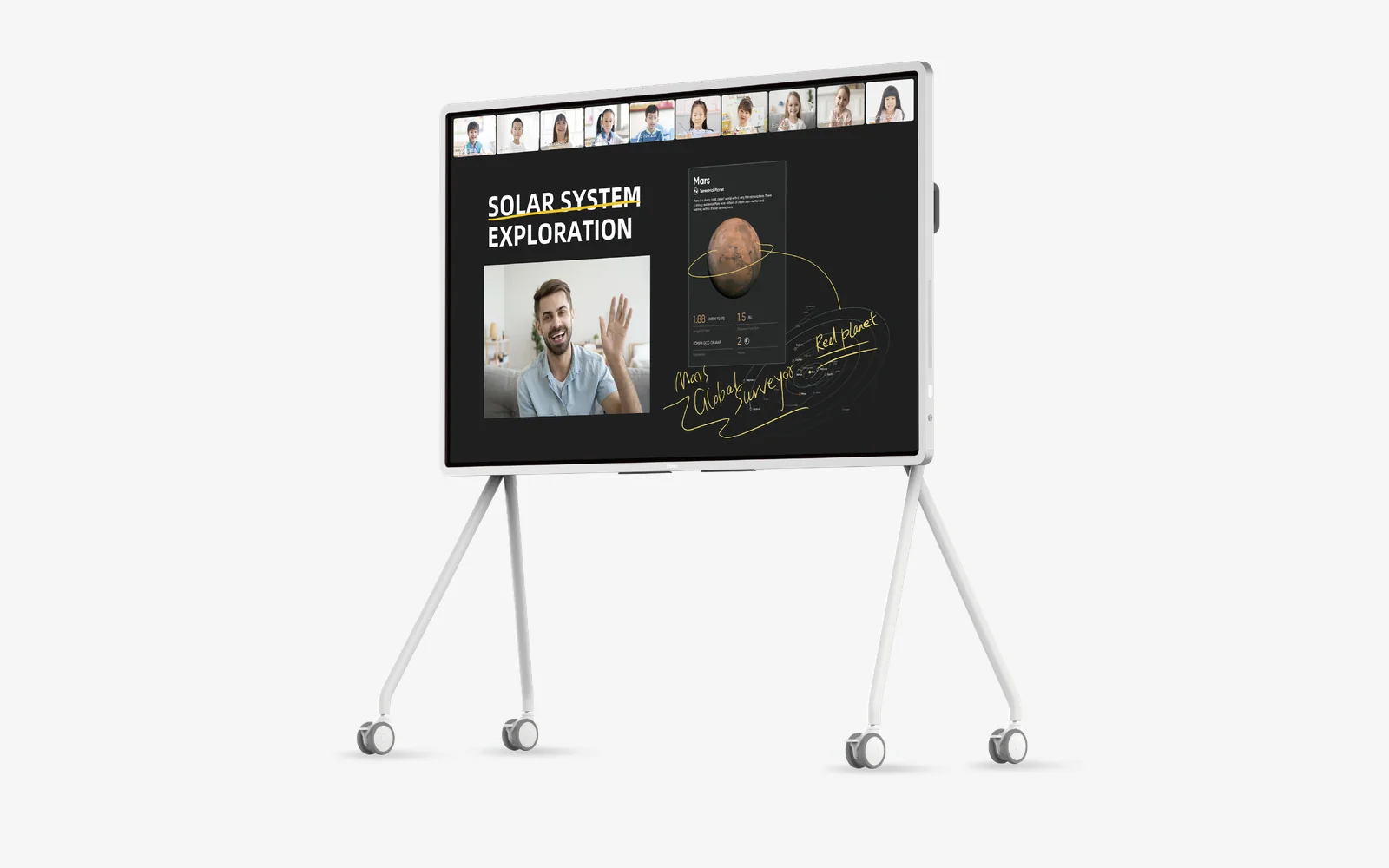
ClassIn Board. An interactive display designed for teaching, with ClassIn’s teaching software built in.
See the ClassIn BoardCase studies
See how universities teach with ClassIn.
From seminar rooms at NUS to lecture halls in Shanghai.
-
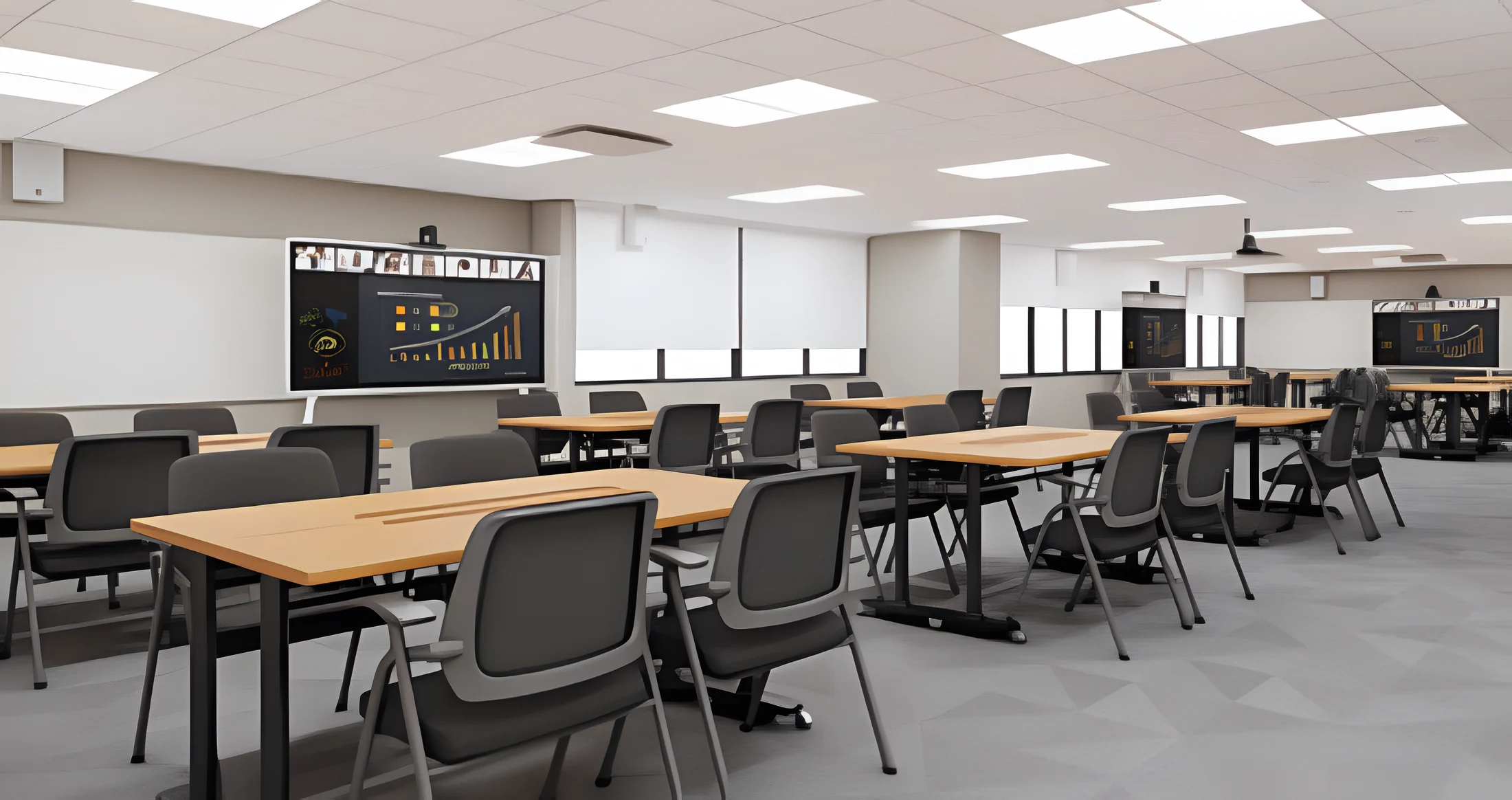 Design render
University · Singapore
NUS Centre for Teaching, Learning and Technology
- Ceiling microphones
- In-room speakers
- Speak from your seat
- No wearable microphones
-
Polytechnic · Singapore
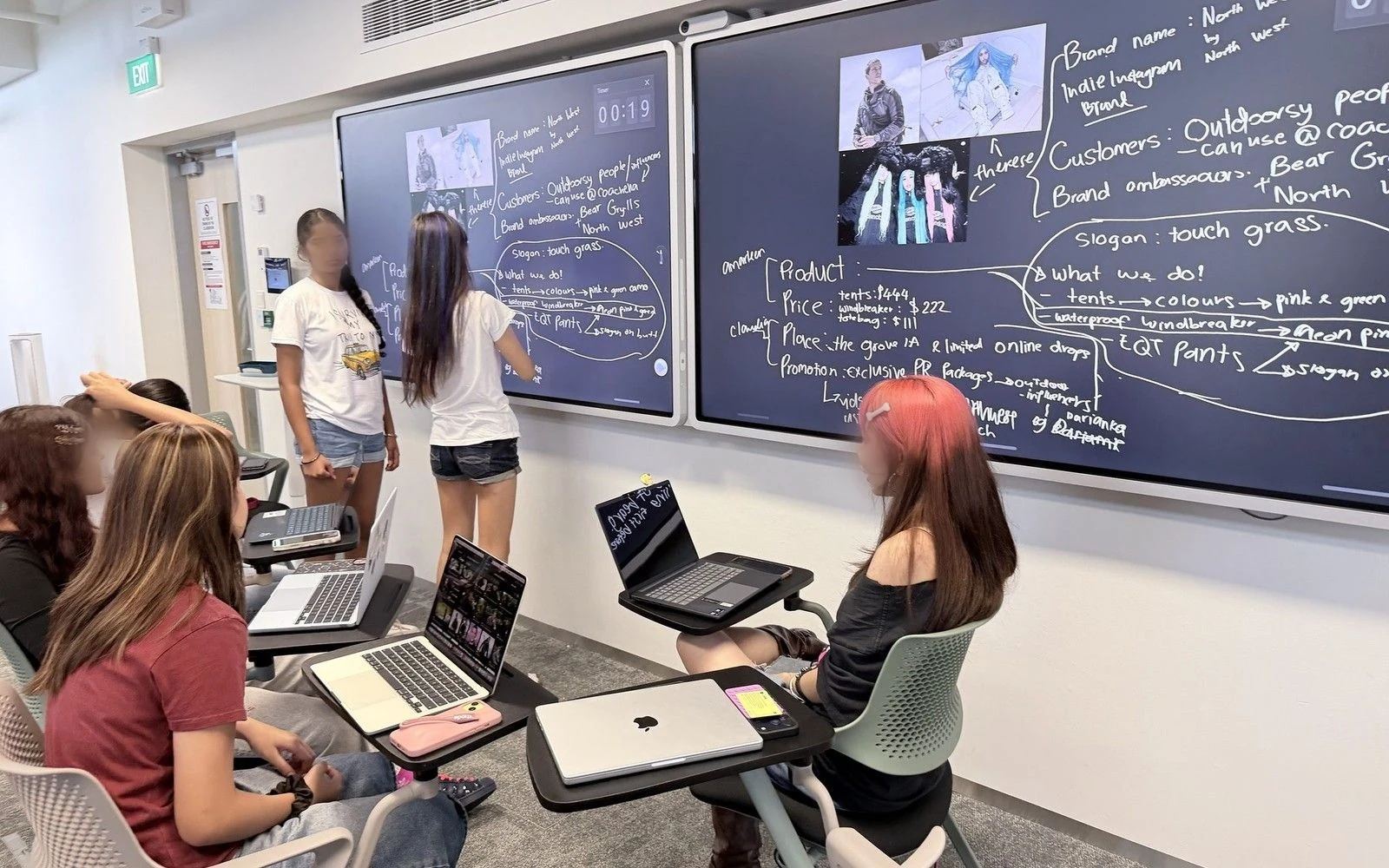
Temasek Polytechnic
- Group work zones
- Shared displays
- Ceiling microphones
- Group work on the main screen
-
University · Macau
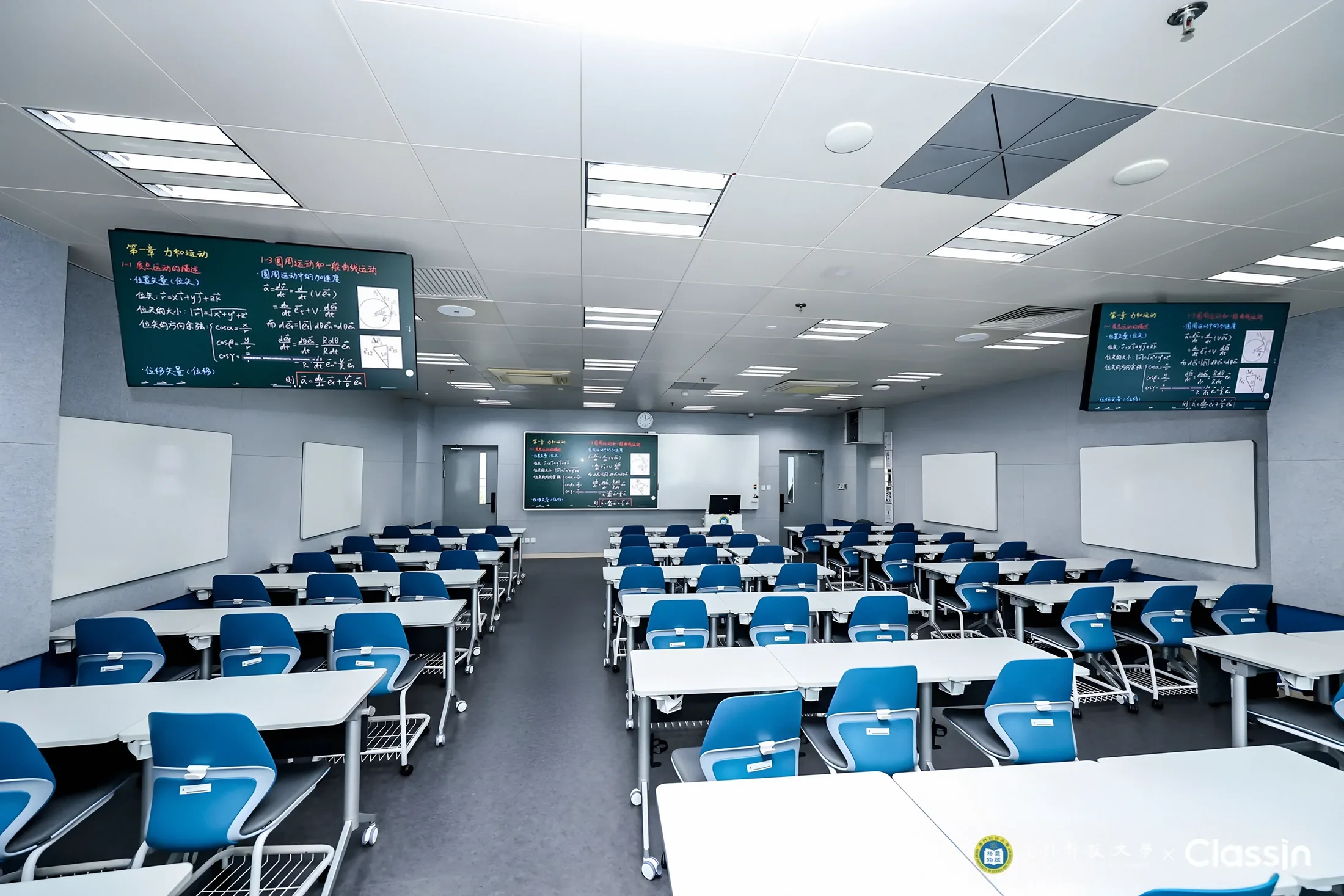
Macau University of Science and Technology
- 90-seat row classroom
- 32-seat group room
- 48-seat round-table room
- Central equipment control
-
University · Shanghai
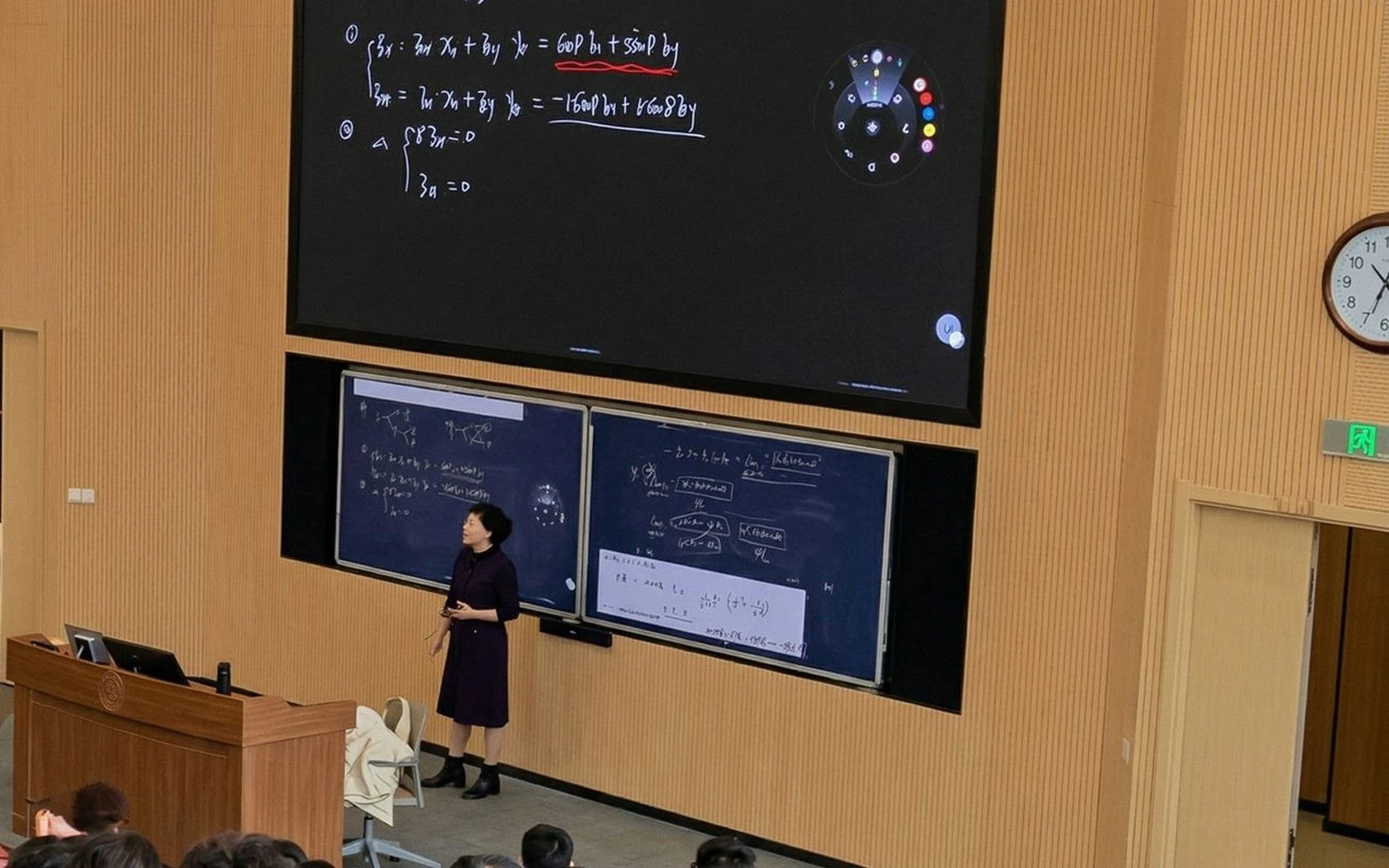
Shanghai Jiao Tong University
- Lecture halls
- Seminar rooms
- Large interactive displays
- Digital boardwork
-
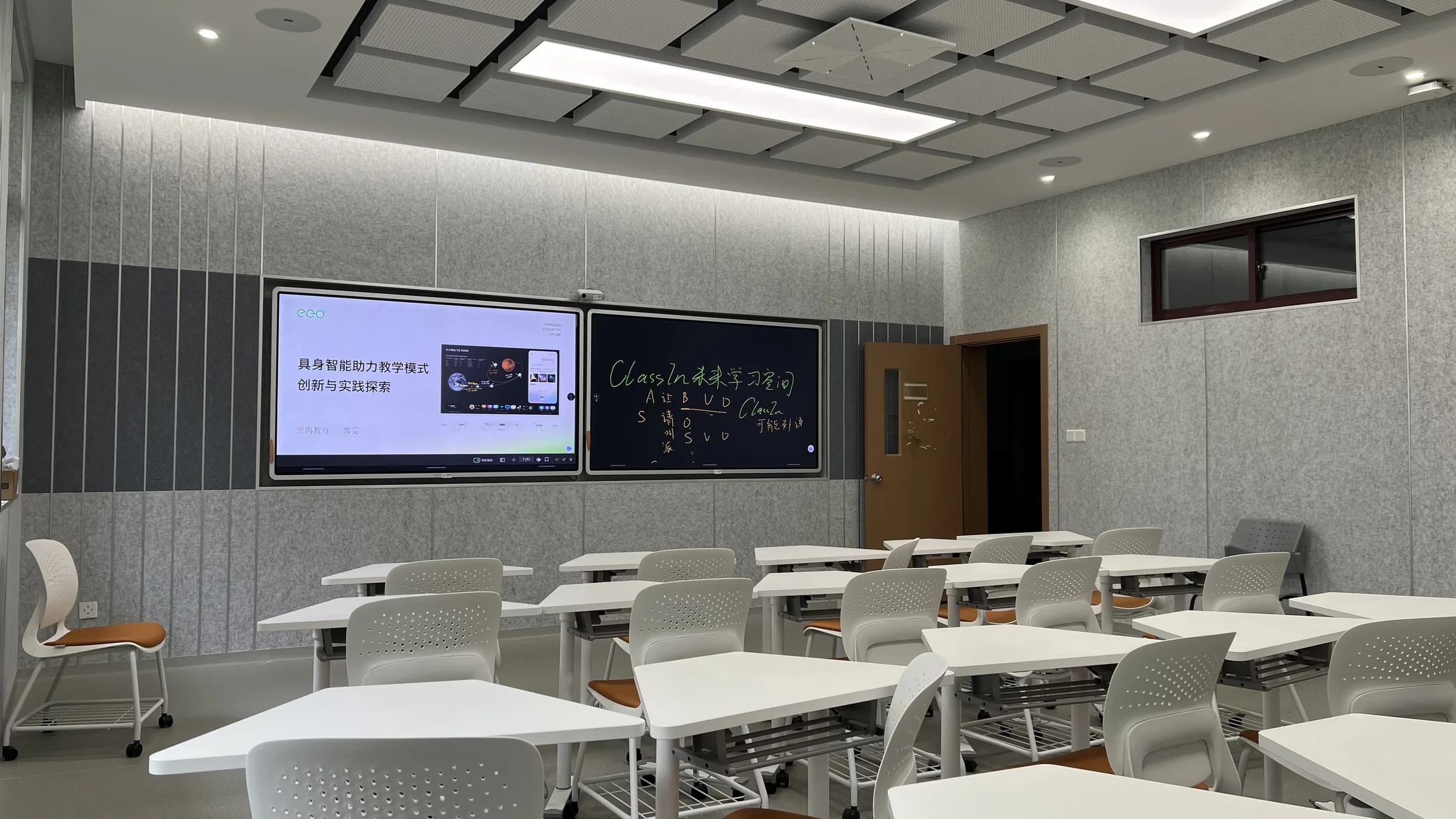
University · Shanghai
Tongji University
- The same sound-field design in every room
- Rows facing the teaching area
- Blended online and offline teaching
Design render University · Singapore
NUS Centre for Teaching, Learning and Technology
- No
- wearable or handheld microphones to pass around
- The challenge. Wireless microphones can make a seminar feel less spontaneous. Teachers must wear or carry devices, participants may need to pass microphones between speakers, and support teams must manage charging, batteries and equipment availability.
- How ClassIn helps. ClassIn brings ceiling-mounted microphones and in-room speakers into the seminar space. The integrated audio setup is designed to capture speech without wearable or handheld microphones, allowing lecturers to move naturally and participants to contribute from their seats.
- In the lesson. With audio built into the room, the lesson can begin without distributing microphones or assigning someone to operate them. The emphasis stays on the conversation rather than on the equipment.
 Polytechnic · Singapore
Temasek Polytechnic
- 2
- flexible learning spaces at the School of Business
- The challenge. Lecture-oriented rooms can create friction for project-based learning. When work is spread across group tables and individual laptops, students may need to photograph a whiteboard, erase earlier thinking or interrupt the flow of a discussion just to share an idea with the class.
- How ClassIn helps. At Temasek Polytechnic School of Business, ClassIn supports flexible learning spaces where students can move between group discussion and whole-class sharing. Interactive displays, digital writing and simple screen sharing bring student work into a common view, while ceiling microphones can support the capture of classroom conversations.
- In the lesson. In a Digital Banking lesson, students work in groups, role-play different perspectives and compare their approaches on screen. Instead of repeatedly photographing and recreating their work, groups can move from discussion to presentation and feedback within the same activity.
Macau University of Science and Technology
- 10
- pilot classrooms
- 42
- rooms in the 2026 expansion
- First phase. The first phase began in 2025 with 10 classrooms in Block O, in row and group layouts.
- Three spaces. A 90-seat row classroom for lectures, exams and large-class interaction; a 32-seat group discussion room with group displays and whiteboards; and a 48-seat round-table room with movable furniture and whiteboards.
- The podium. Lecturers switch on the equipment from the central control, open course files from cloud storage or connect a laptop, and see the teaching content on a podium monitor.
 University · Shanghai
Shanghai Jiao Tong University
- 2
- types of space: lecture halls and seminar rooms
- The challenge. In a content-heavy lecture, slides and live writing often compete for limited display space. In seminars, handwritten derivations and group work can be difficult to preserve once the board is cleared. Hybrid participation adds another layer of complexity.
- How ClassIn helps. At Shanghai Jiao Tong University, ClassIn-equipped lecture and seminar spaces combine large interactive displays, digital boardwork and audio-visual support. Teachers can present prepared materials alongside live annotations, while smaller spaces accommodate group interaction and shared problem-solving.
- In the lesson. A lecturer can develop an equation step by step without losing the original course material. In a seminar, students can discuss an approach face to face, then bring their work into a shared digital view. Saved board content can help participants revisit the reasoning after class.
Tongji University
- 17
- classrooms in the Taihe Building
- The building. The project covers the whole Taihe Building of the School of Continuing Education: 17 classrooms using the same sound-field design.
- The layout. Rows of seats face the teaching area, and aisles link the teaching zone with the student area.
- Sound. The sound field is set up for in-room teaching and also supports blended online and offline teaching.
See ClassIn in Singapore.
Three ClassIn rooms you can visit. Our team replies within one hour.
-
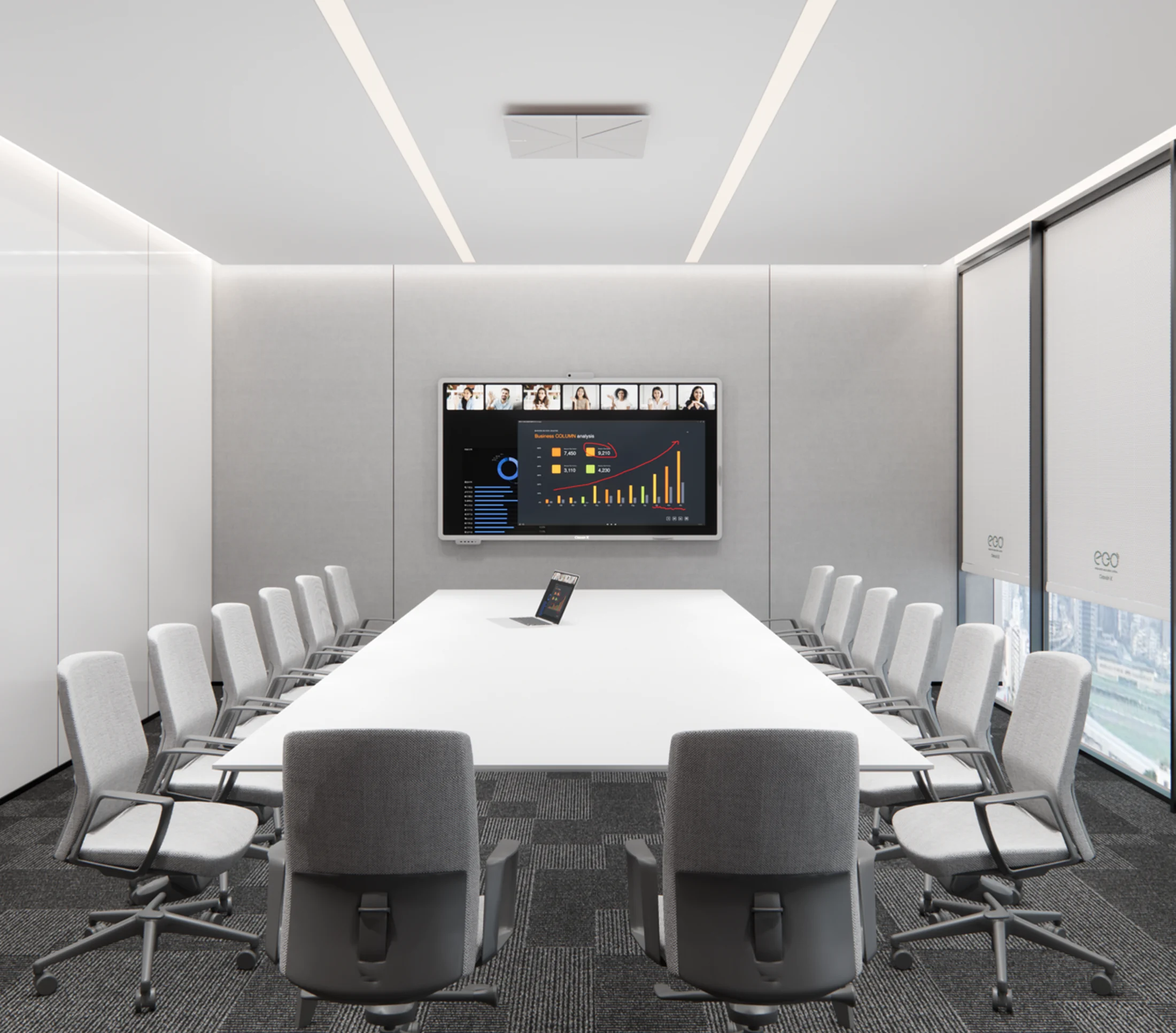 Essential Demo Room 65 Ubi Road
Directions
Essential Demo Room 65 Ubi Road
Directions
-
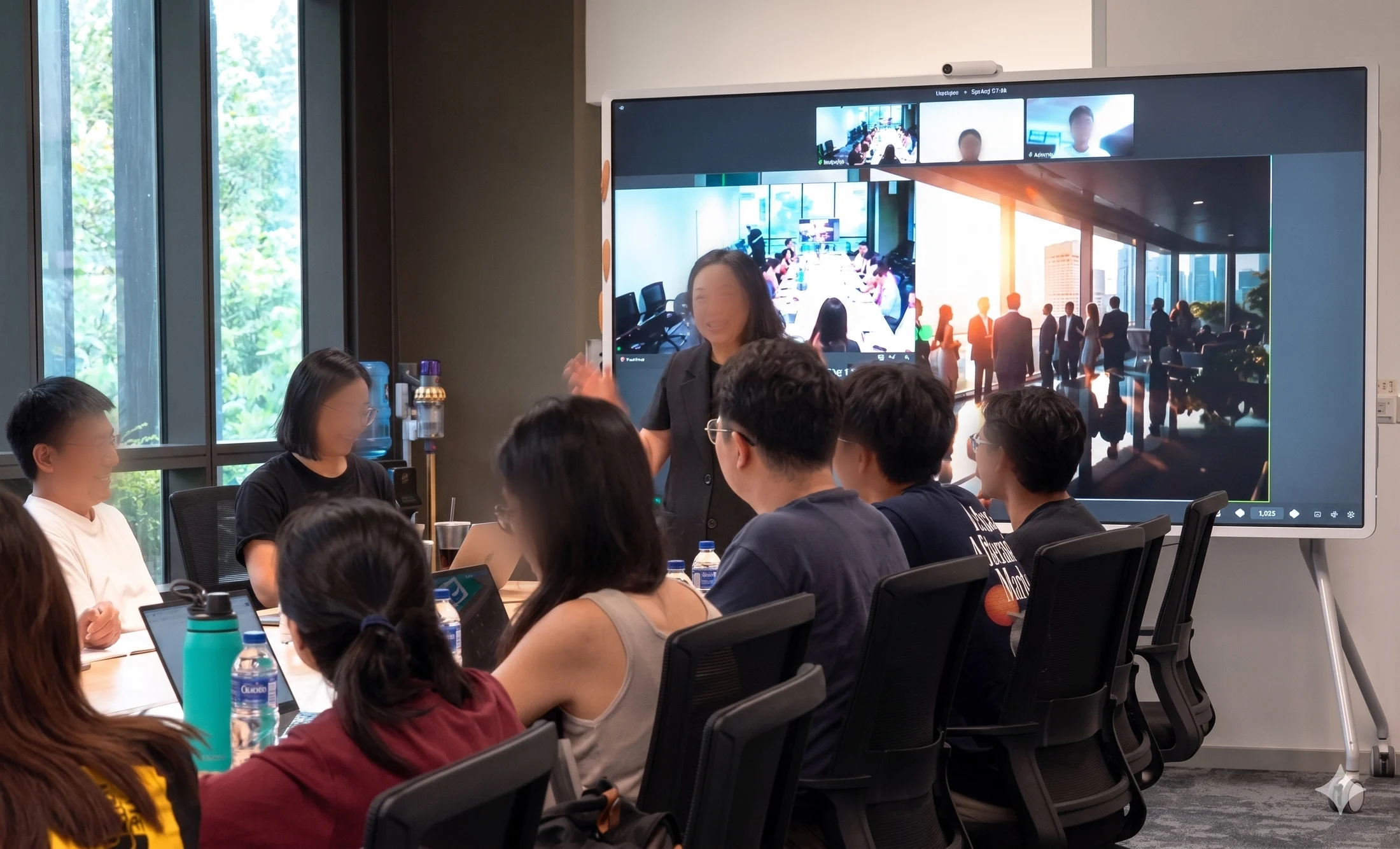 Hybrid Classroom CleanTech Park
Directions
Hybrid Classroom CleanTech Park
Directions
-
 AI Adventure Room Lifelong Learning Institute, Eunos
Directions
AI Adventure Room Lifelong Learning Institute, Eunos
Directions
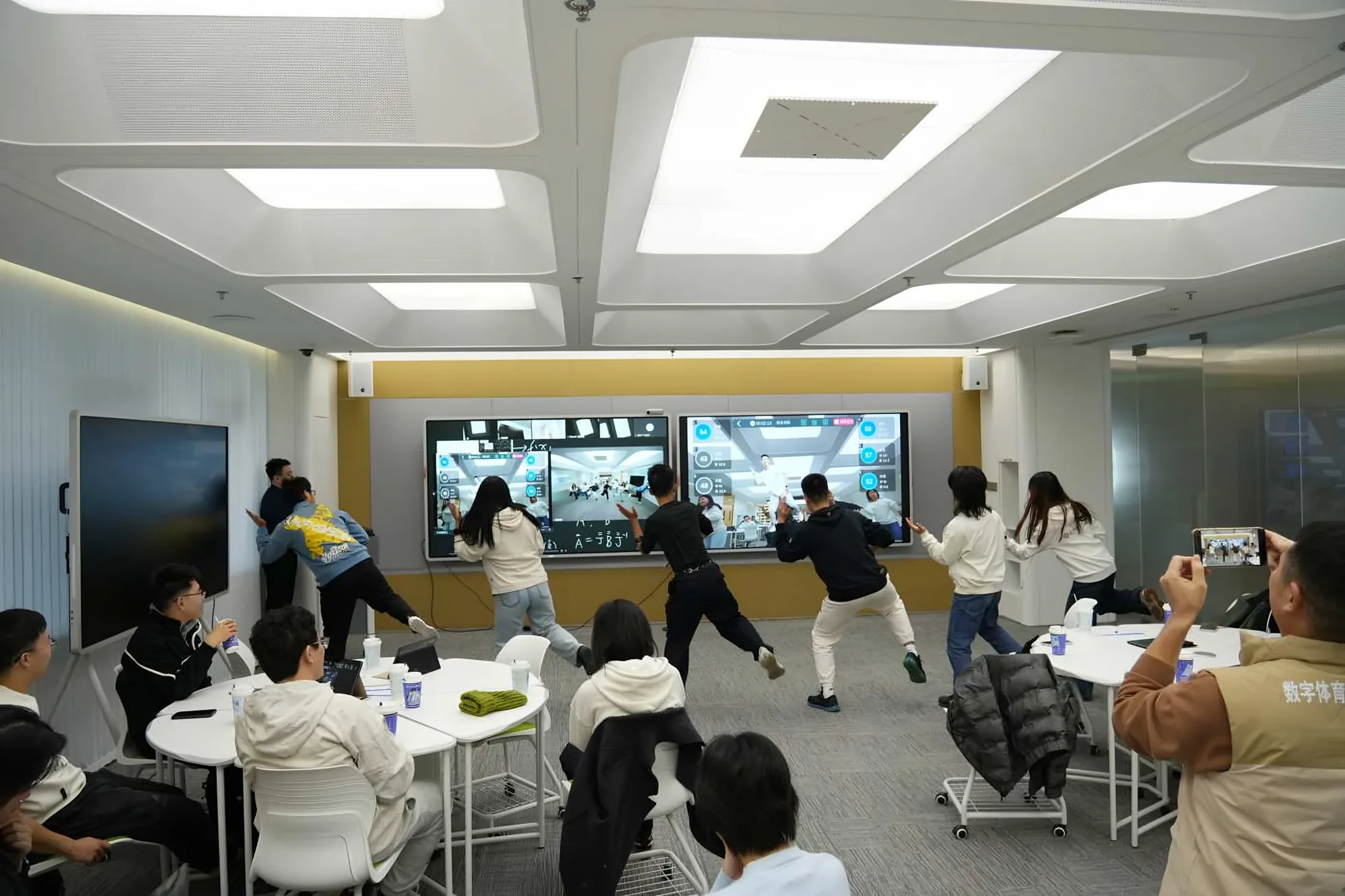
Photo: a digital sports class at Peking University
The majority of the teachers found ClassIn to be the most effective at recreating the classroom experience and enhancing interaction between teachers and students.
 Dr WangAssistant Professor, Finance, Peking University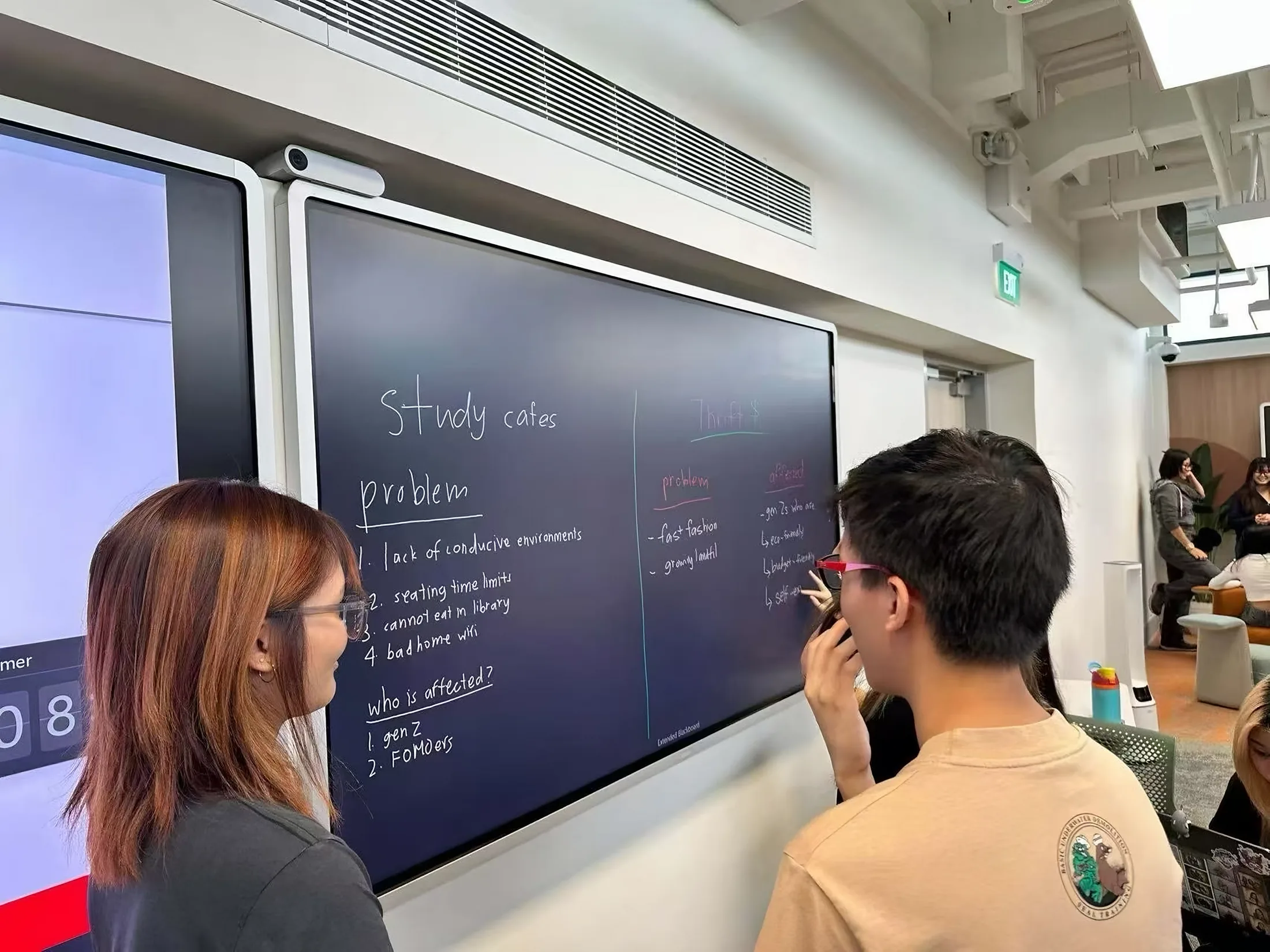
Photo: students writing on the Board at Temasek Polytechnic
The most user-centred EdTech collaboration.
Dr Shirley Ong TanTemasek Polytechnic
Photo: the NUS Acacia College pilot classroom
Teachers have been using it in different ways. Students love it!
NUS facultyAcacia College AI pilot classroom
Higher Education handbook
Classroom scenarios, hardware specifications, the AI features and six campus deployments, in one guide.
FAQ
Questions universities ask.
How is ClassIn priced for a university?
The classroom hardware is quoted per room. ClassIn’s software plans are priced per teacher. We confirm the software and AI for your rooms before we quote.
How long does a room take to install? Do we need to renovate?
Half a day for an Essential room, one day for a seminar room and two days for an active learning room. An Essential room needs no renovation: at NUS Ridge View, each room went from a traditional classroom to a smart one in half a day, with no construction.
Does ClassIn work with Panopto and our learning management system?
Yes. Lecture capture works with Panopto, Kaltura and Zoom Cloud over standard HDMI and network connections, with no external encoder. ClassIn also works with Canvas, Moodle, Blackboard and D2L. At the NUS Office of Human Resources, recordings reach Panopto in under five minutes.
Can students and guest lecturers join from outside the room?
Yes. Hybrid is built in: students online see the same Board, answer the same polls and join the same class as the students in the room, with no second platform. Guest lecturers join the same way.
What support do we get after installation?
One vendor covers the Boards, cameras, microphones and software, with a local ClassIn team in Singapore 12 hours a day, seven days a week.
Can we start with a pilot?
Yes. ClassIn recommends a pilot of one or two rooms in one department for four to six weeks, with SSO, your LMS and Panopto connected. The NUS Acacia pilot classroom was ready for teaching in under three weeks. You can also visit our Essential Demo Room in Singapore first.
Can’t find your question? Ask our team