Smart classrooms built for schools.
- Hear from every student in the class
- Spend less time marking, with AI
- Let students rewatch lessons to revise
60,000+schools and institutions
150+countries and regions
50M+active teachers and students








How it works
Three layers.
One classroom.
Hardware, software and AI, built by ClassIn to work together.
-
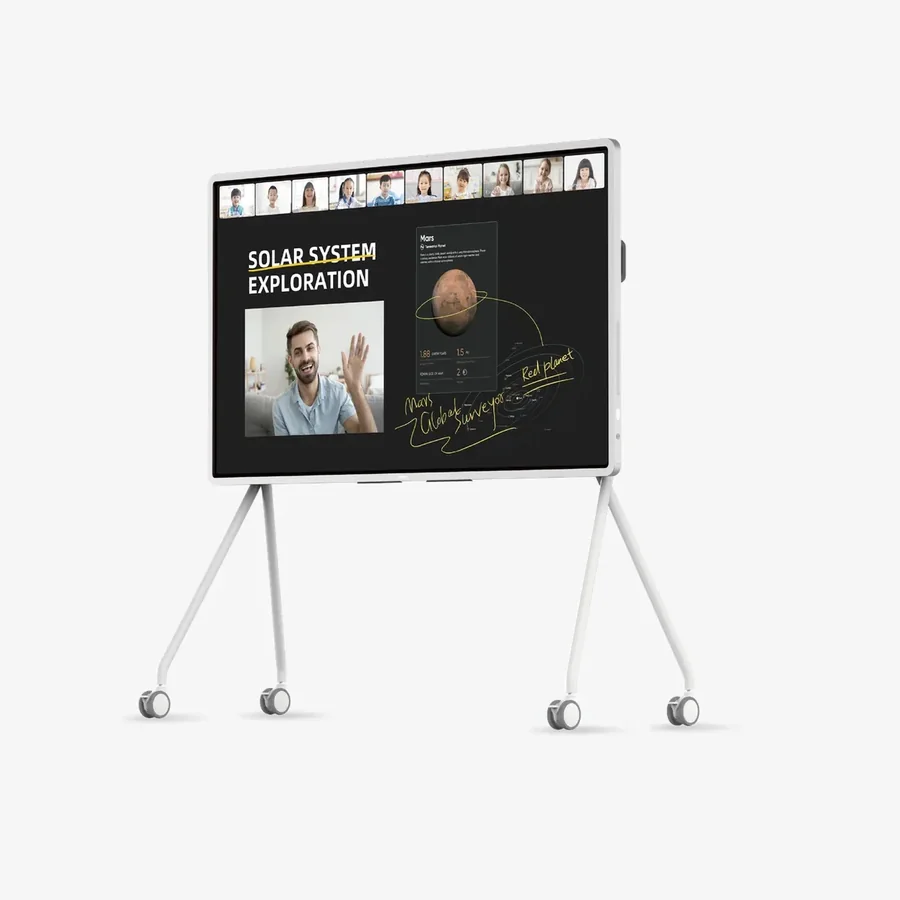
1 Hardware
Smart classroom
ClassIn Board Tracking cameras Ceiling microphone
-
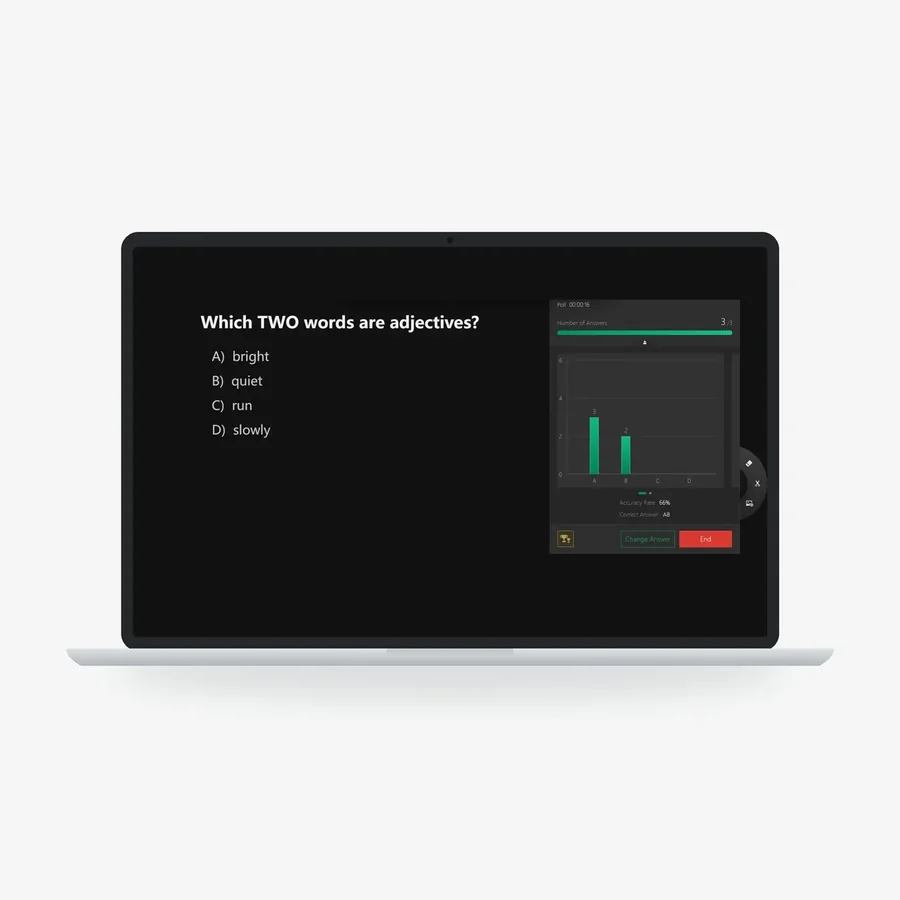
2 Software
ClassIn Platform
Polls Breakout groups Sketch Board
-
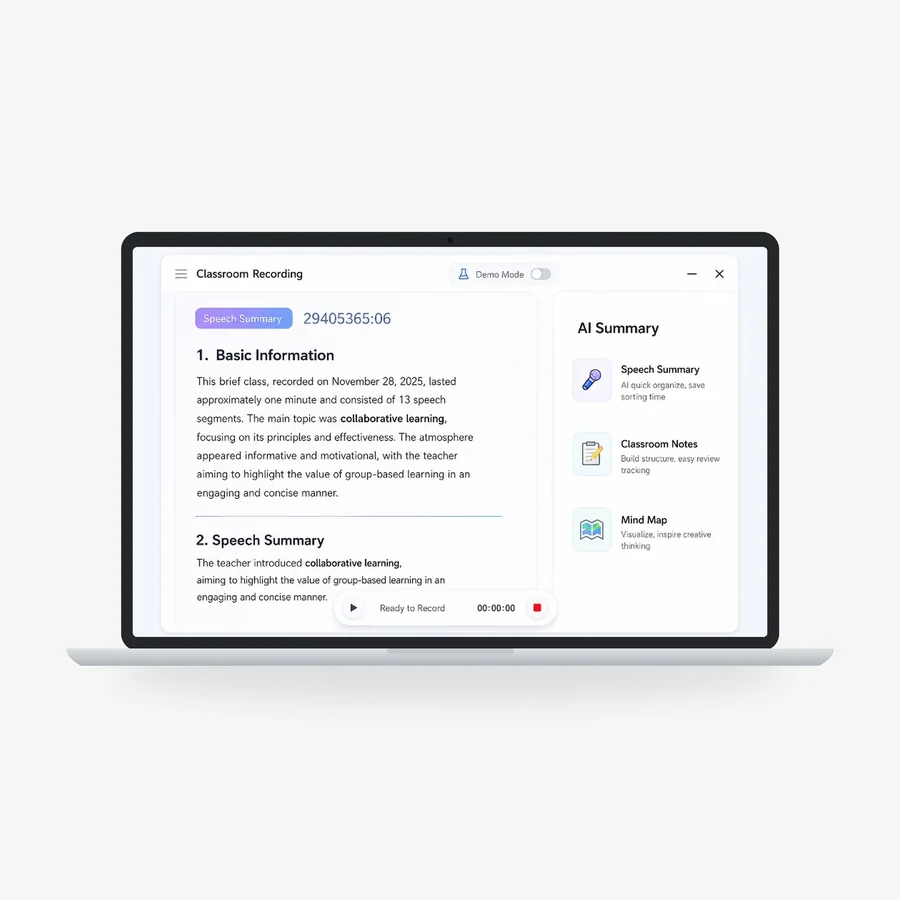
3 AI
ClassIn AI
AI Summary Subject agents AI Lesson Analysis

- Hardware + software Lessons recorded automatically
- Software + AI AI marks students’ answers
- Hardware + AI AI analyses the lesson
What ClassIn provides.
One company supplies the hardware, the software and the AI, with installation and support in Singapore.
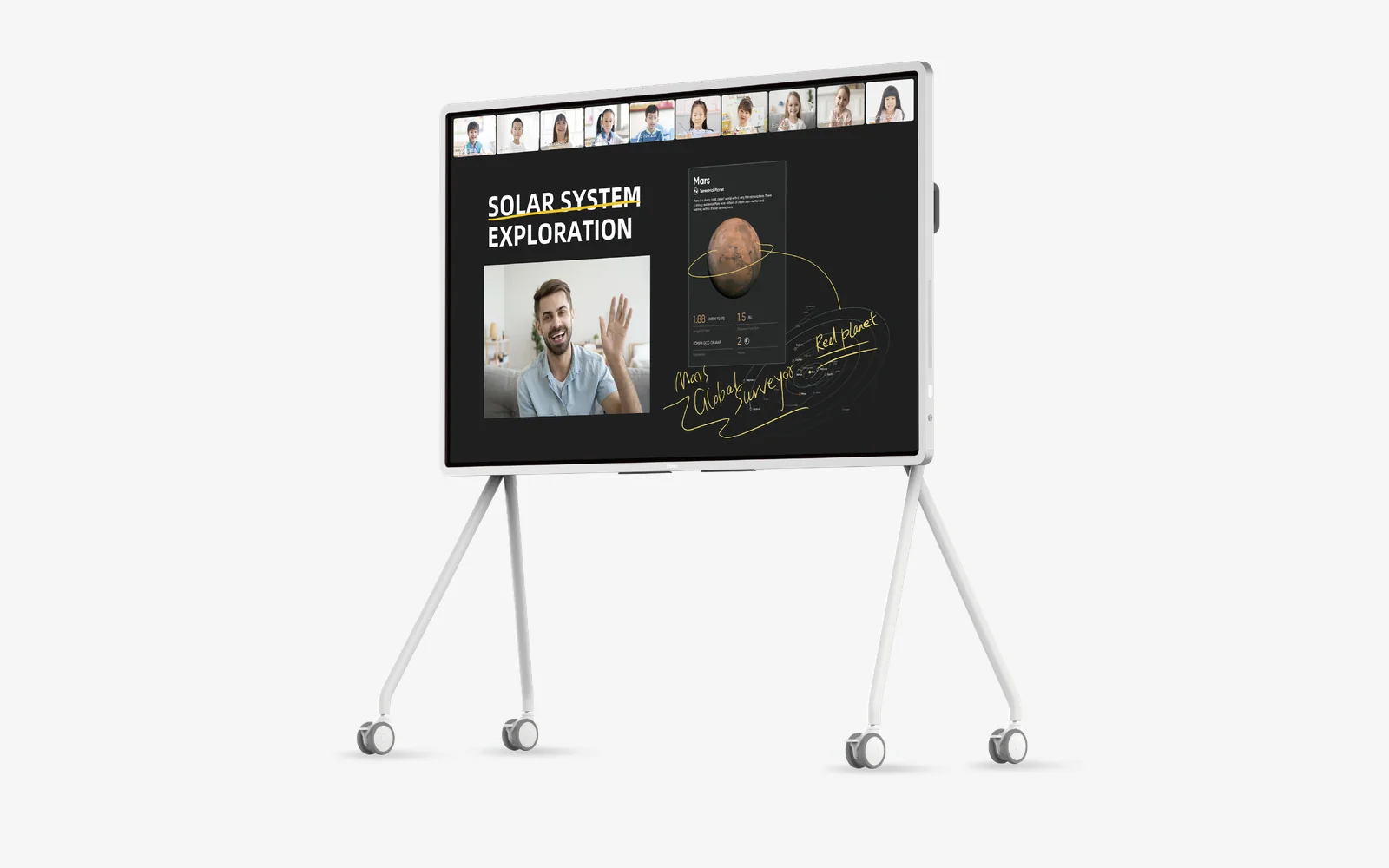
ClassIn Board. An interactive display designed for teaching, with ClassIn’s teaching software built in.
See the ClassIn BoardCase studies
See how schools teach with ClassIn.
From AI-supported lessons at Hwa Chong to 135 ClassIn Boards at Tsinghua University High School.
-
Secondary school · Singapore
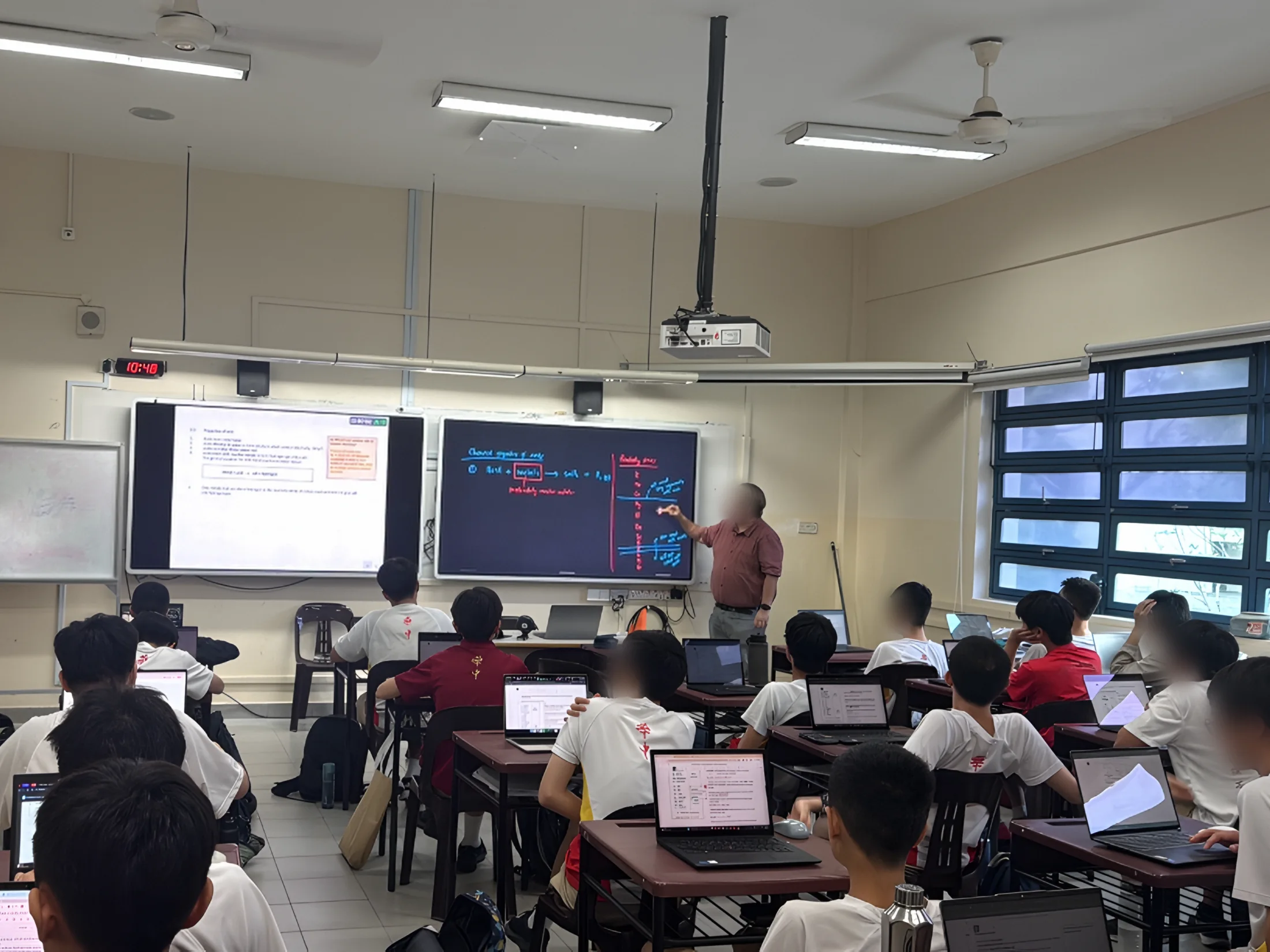
Hwa Chong Institution
- Two screens side by side
- AI tools for each subject
- Live writing and annotation
- Lesson recording
-
International school · Riyadh and Bangkok
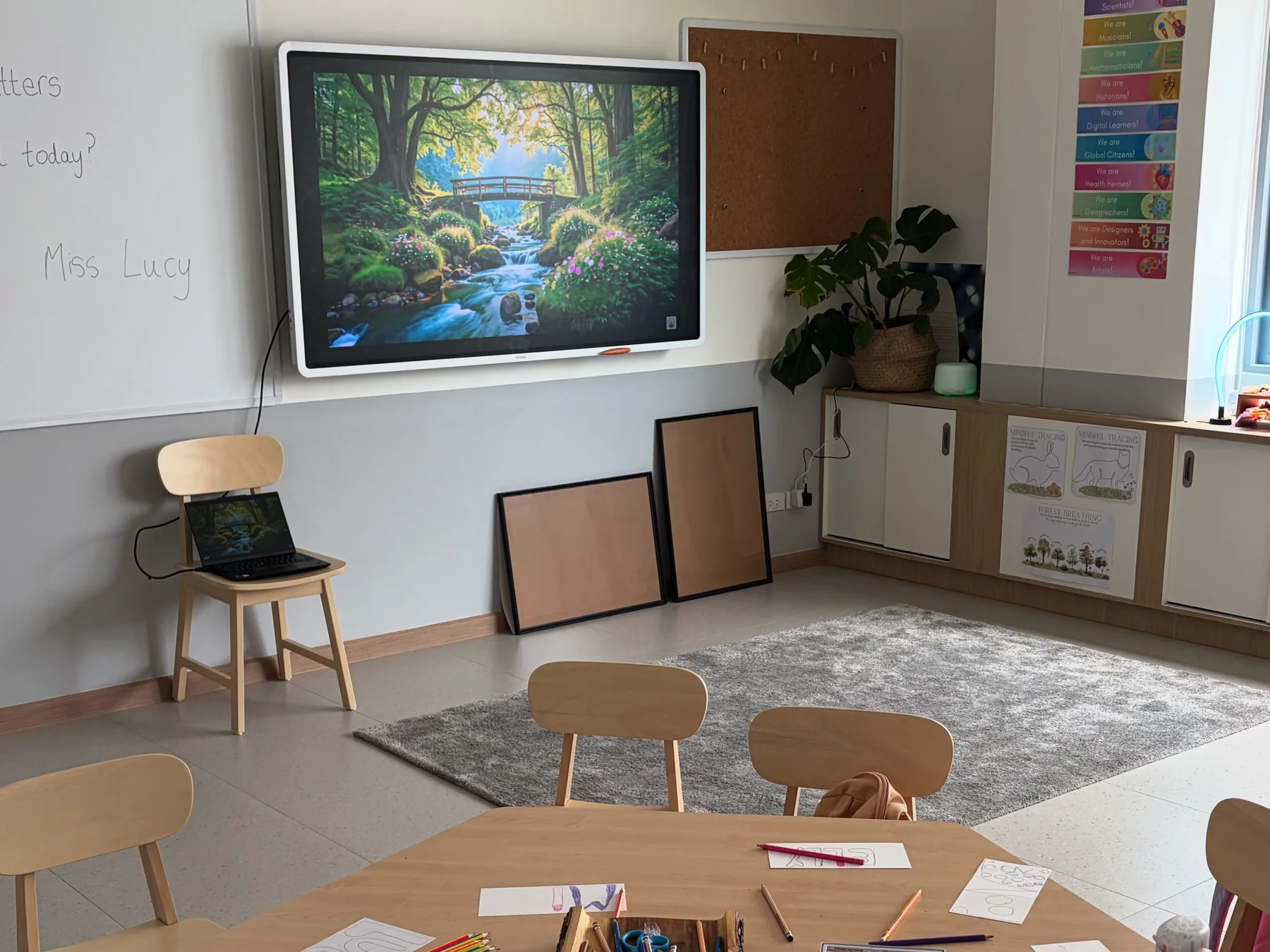
EtonHouse International Schools
- Interactive boards
- Cameras
- Ceiling microphones
- Ready on opening day
-
Reading programme · Singapore and Southeast Asia
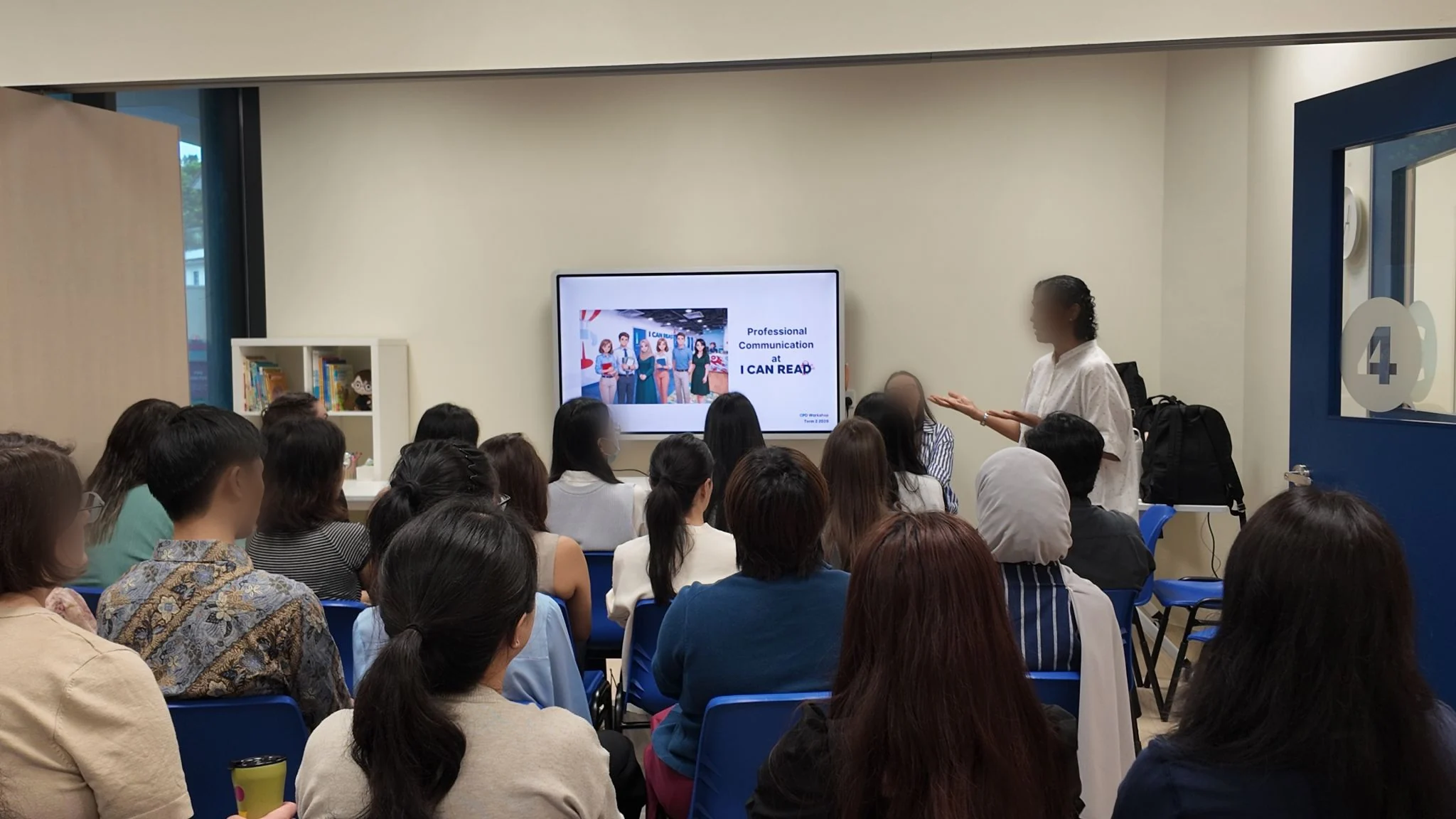
I Can Read
- ClassIn Board
- Tablets for children
- Answers on Sketch Board
- AI lesson summaries for parents
-
Secondary school · Beijing
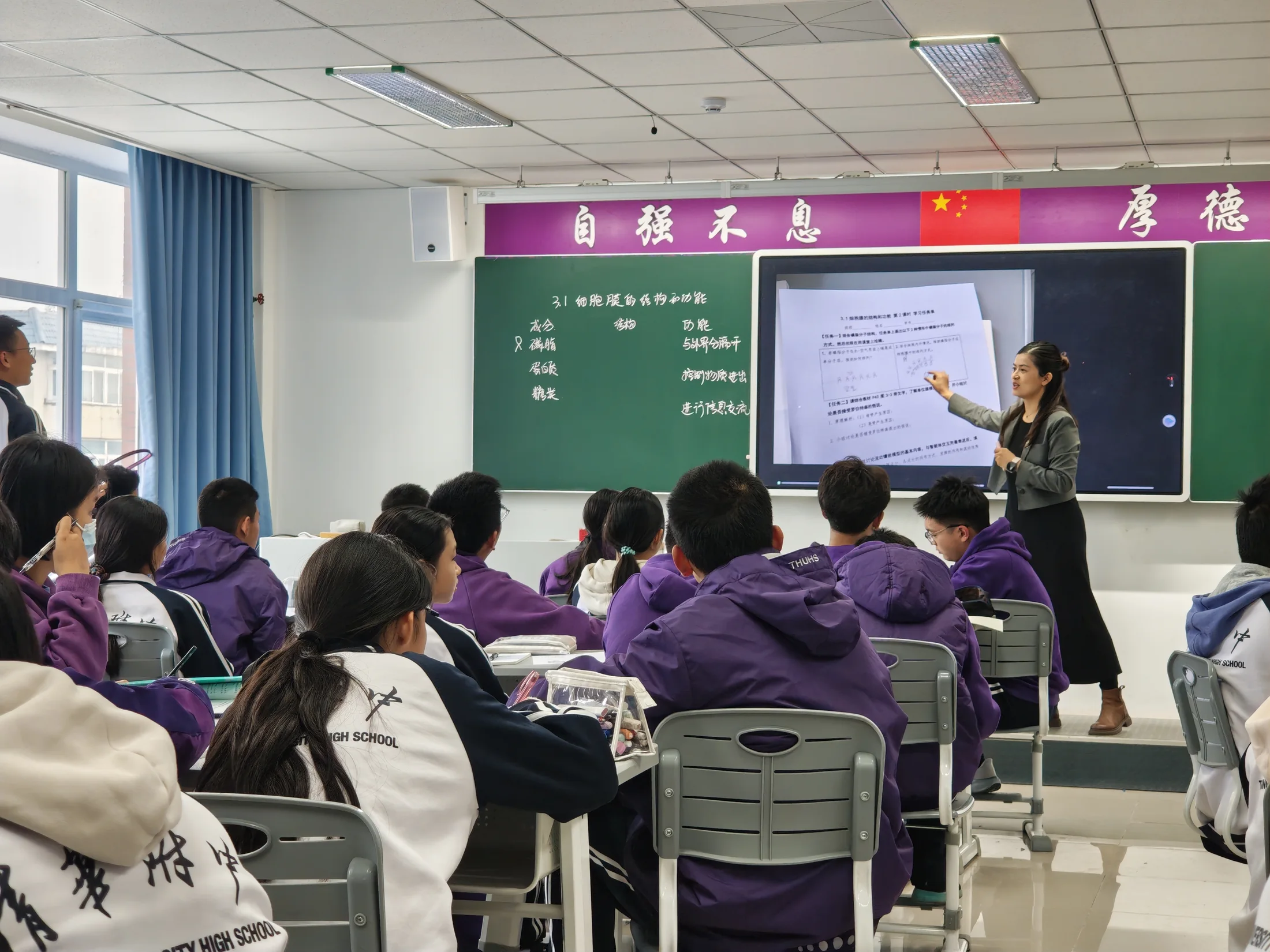
Tsinghua University High School
- Two campuses
- 30-minute teacher training
- Automatic lesson recording
- Everyday teaching tools
-
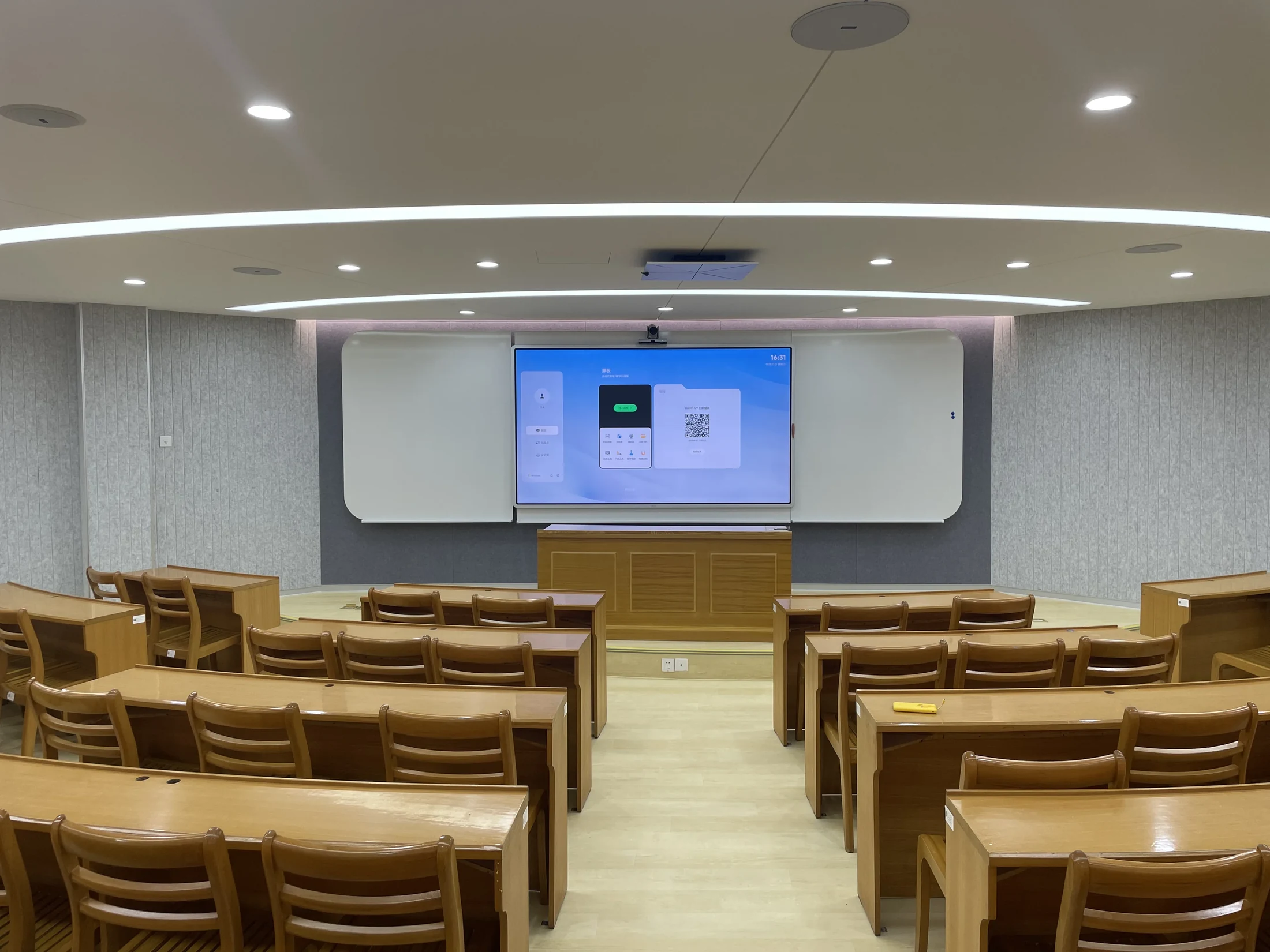
Secondary school · Shanghai
High School Affiliated to Fudan University
- Dual-screen labs
- Cameras
- Voice lift
- 110-inch showcase screens
-
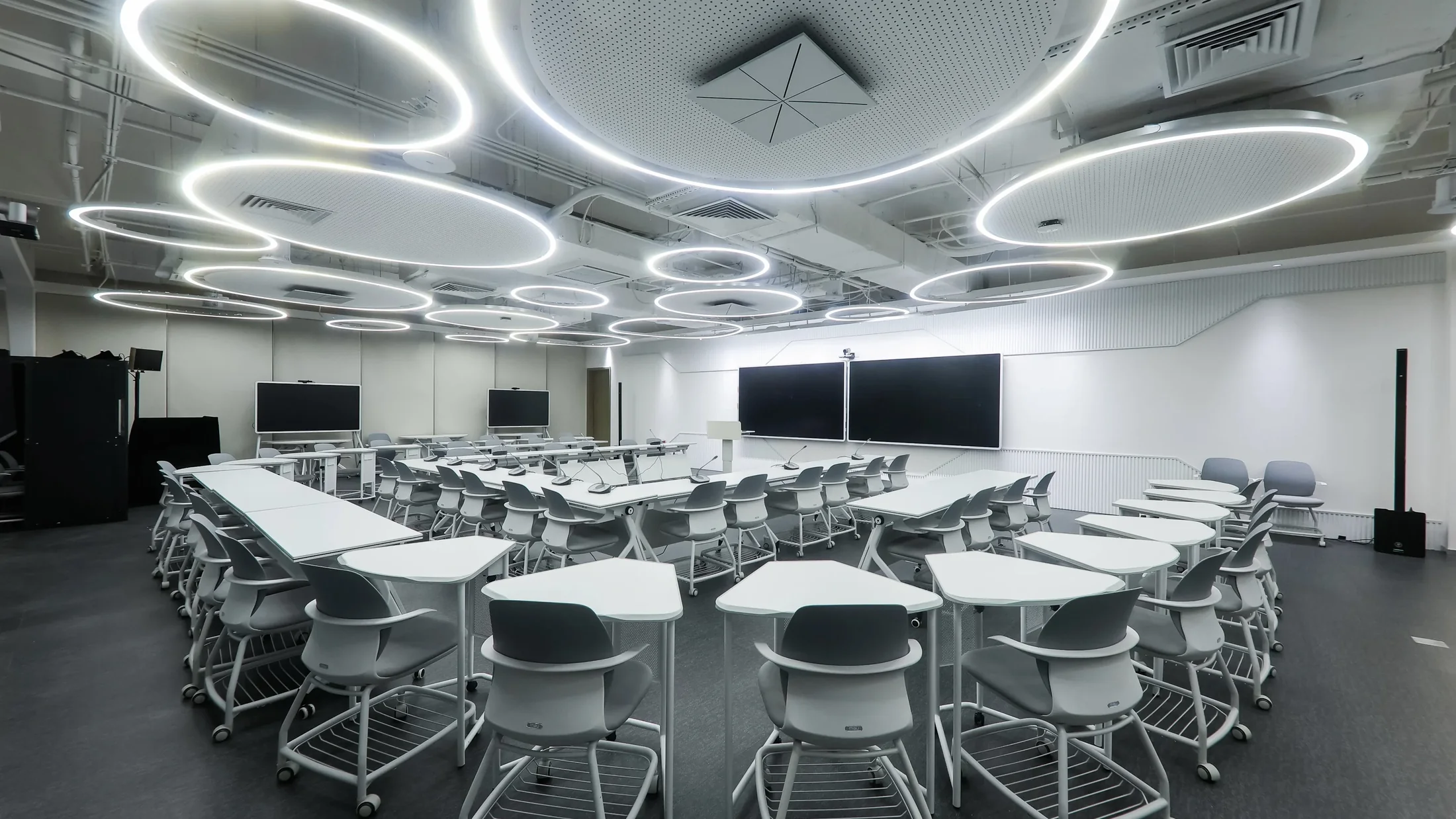
Secondary school · Shanghai
Shanghai Foreign Language School
- A main screen and two side screens
- Voice lift
- Classroom camera
- 110-inch showcase screen
 Secondary school · Singapore
Hwa Chong Institution
- 2
- parallel teaching views
- 3
- subject areas: mathematics, science and Chinese
- The challenge. Teachers need to keep teaching materials visible while developing ideas in real time. They also need practical ways to capture explanations and revisit them with students, without adding another complicated workflow to each lesson.
- How ClassIn helps. Dual-screen teaching works alongside subject-focused AI tools for mathematics, science and Chinese. Teachers can keep course materials visible on one screen while using another for live writing and annotation, with lesson recording available as part of the teaching workflow.
- In the lesson. During a lesson, a teacher can move between prepared content and spontaneous explanation without repeatedly switching screens. Subject-focused AI assistance is intended to support, rather than replace, teacher judgement and the classroom discussion.
 International school · Riyadh and Bangkok
EtonHouse International Schools
- 13
- classrooms equipped in Riyadh
- Day 1
- ready on opening day
- The challenge. For new EtonHouse campuses in Riyadh and Bangkok, the priority is to prepare every teaching space before opening day. The school needs a consistent classroom setup, while teachers need practical training before they begin teaching.
- How ClassIn helps. ClassIn provides a standardised classroom package combining interactive boards, cameras and ceiling microphones, supported by coordinated delivery, on-site installation and teacher training. The focus for a new campus is to have the complete classroom setup in place before students arrive, so teachers can begin using it from the first day of school.
- In the lesson. With a consistent setup across classrooms, teachers can begin lessons using interactive writing, presentations and shared learning materials without starting from scratch on the technology. Installation and teacher preparation are part of the campus-opening process, so teaching can begin from day one.
I Can Read
- 25+
- reading centres across Southeast Asia
- The need. The same lesson quality in every centre, with teachers who join, train and move between locations.
- Storybooks on the Board. Teachers open the storybook on the ClassIn Board for small groups of 8 to 12 children aged 3 to 12.
- Answers on tablets. Children answer on Sketch Board, and the teacher sees their answers at once.
- For parents. An AI recap and a progress note reach parents through the app after class.
 Secondary school · Beijing
Tsinghua University High School
- 135
- ClassIn Boards
- 84%
- of teachers active within 2 months
- 52.3%
- of lessons recorded every school day
- Scale. 135 ClassIn Boards across the middle- and high-school campuses.
- Teacher ramp-up. One 30-minute training session, and 84% of teachers active within two months.
- Daily recording. 52.3% of lessons recorded and archived every school day, with no action from the teacher.
- Everyday tools. Random Picker, Board-within-Board, Timer, QR Share and Screenshot.
High School Affiliated to Fudan University
- 27
- classrooms that record lessons every day
- Everyday recording. 27 classrooms record lessons every day, with cameras and voice lift.
- Dual screens. Four dual-screen smart labs and three dual-screen shared classrooms.
- Large screens. Two showcase classrooms with 110-inch screens.
Shanghai Foreign Language School
- 130+
- classrooms with voice lift
- Voice lift. 130+ regular classrooms have voice lift, so every student hears the teacher.
- Future Learning Space. A main screen and two side screens, with voice lift and a camera.
- Showcase classroom. A large display classroom with a 110-inch screen.
See ClassIn in Singapore.
Three ClassIn rooms you can visit. Our team replies within one hour.
-
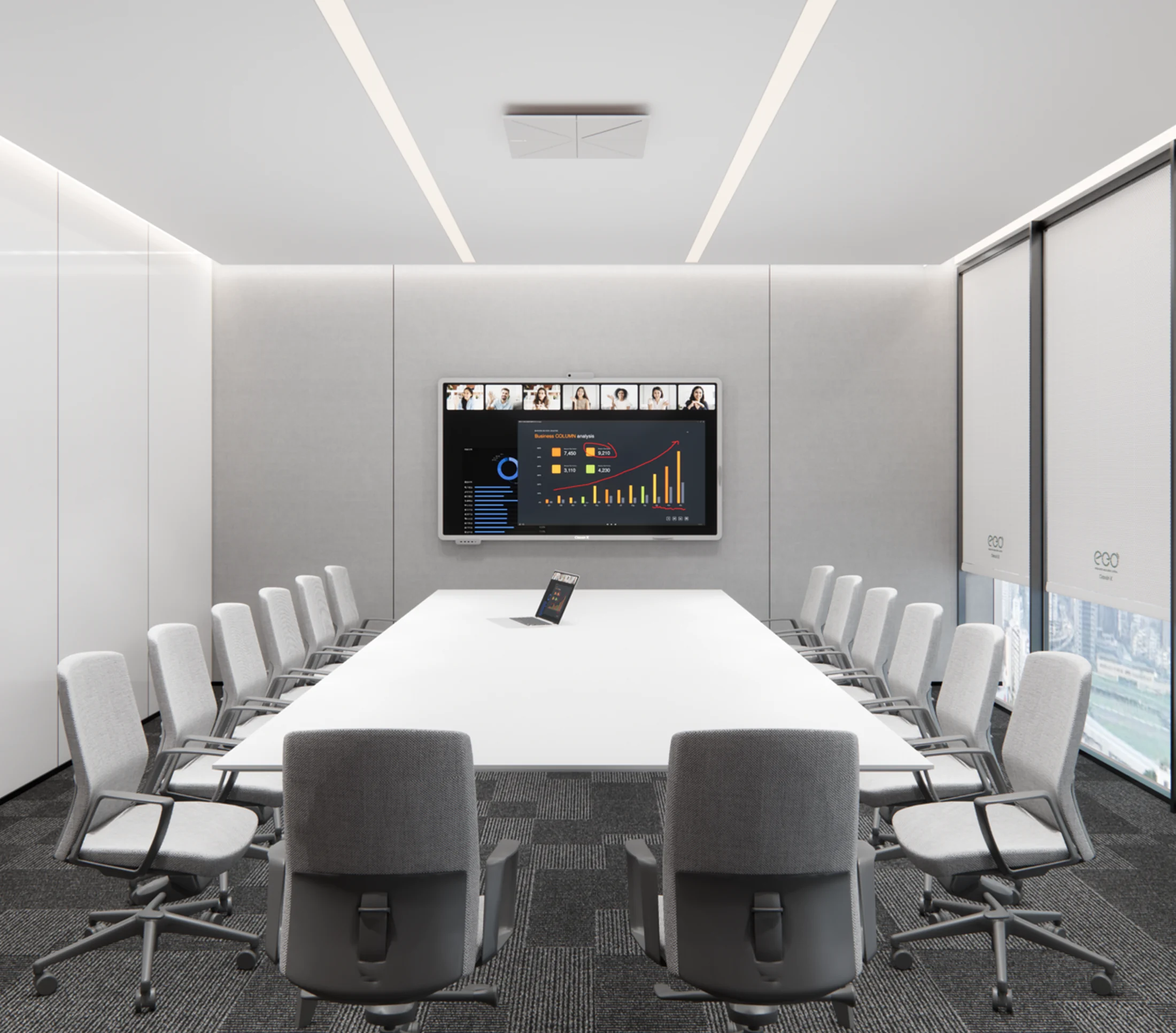 Essential Demo Room 65 Ubi Road
Directions
Essential Demo Room 65 Ubi Road
Directions
-
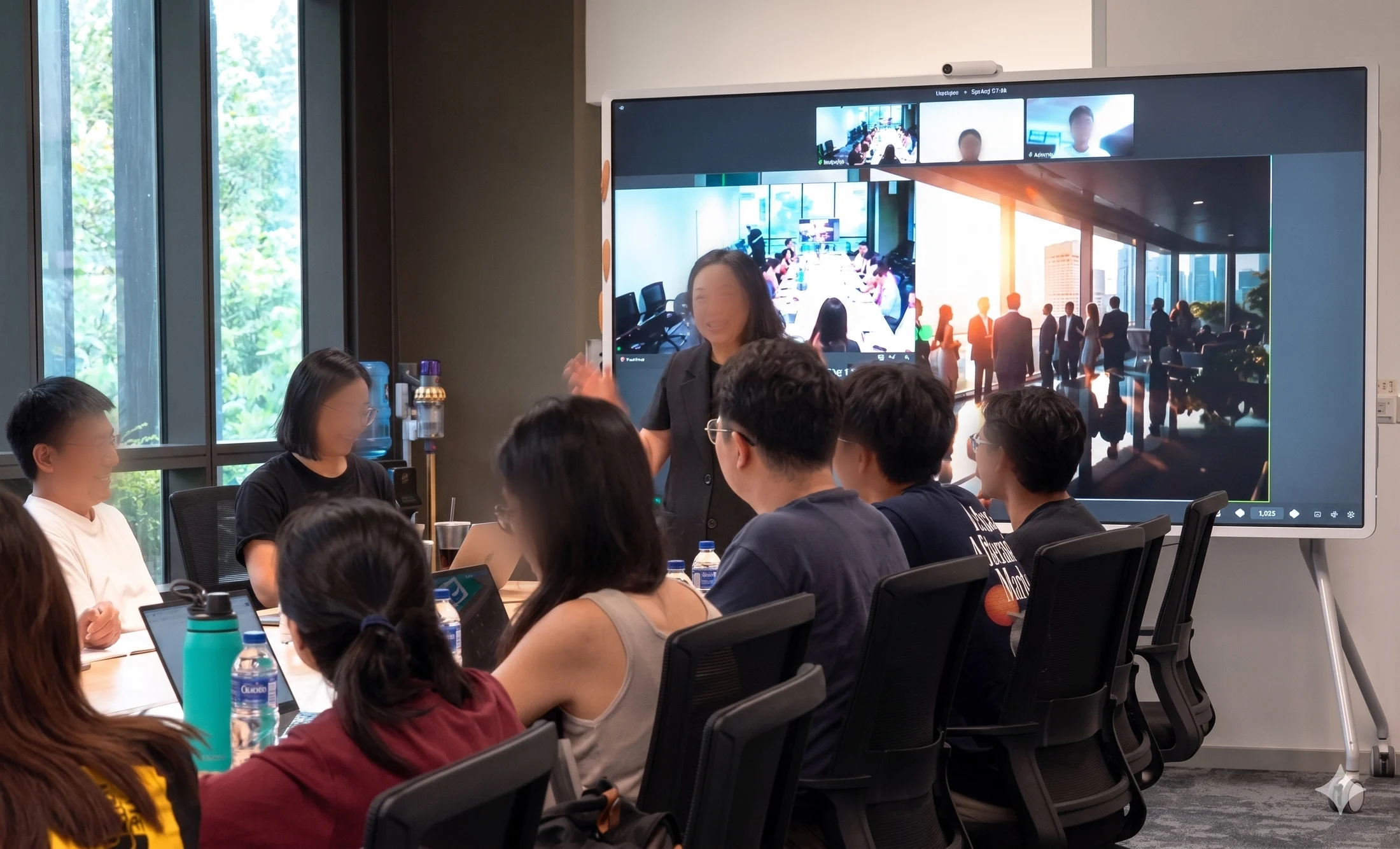 Hybrid Classroom CleanTech Park
Directions
Hybrid Classroom CleanTech Park
Directions
-
 AI Adventure Room Lifelong Learning Institute, Eunos
Directions
AI Adventure Room Lifelong Learning Institute, Eunos
Directions
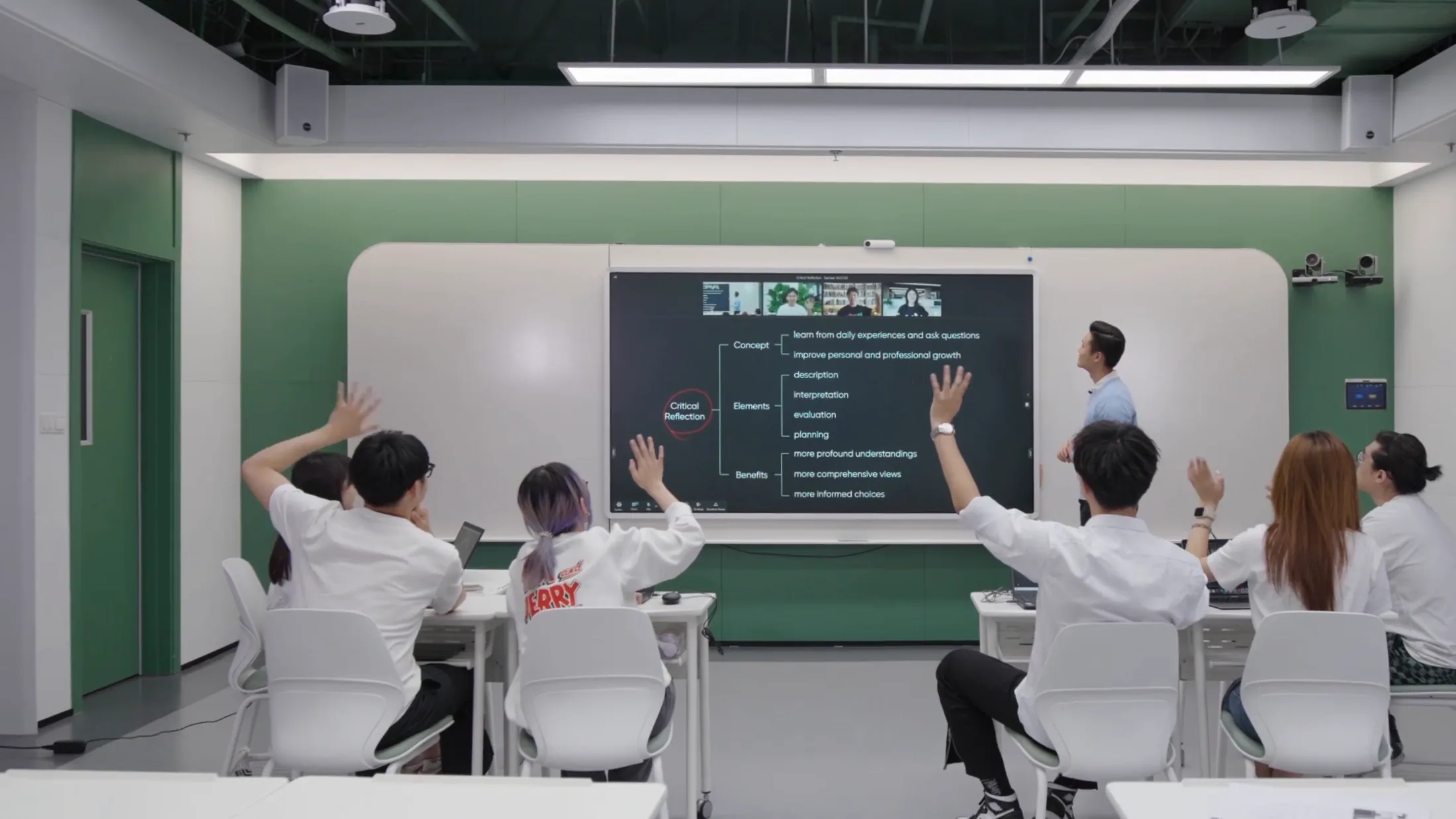
Photo: a ClassIn classroom
ClassIn is powerful for online learning, simple but with so many user friendly functions. Students remain engaged in their learning and connected with their teachers.
 Aaron LennonPrincipal, Yew Wah International Education School, China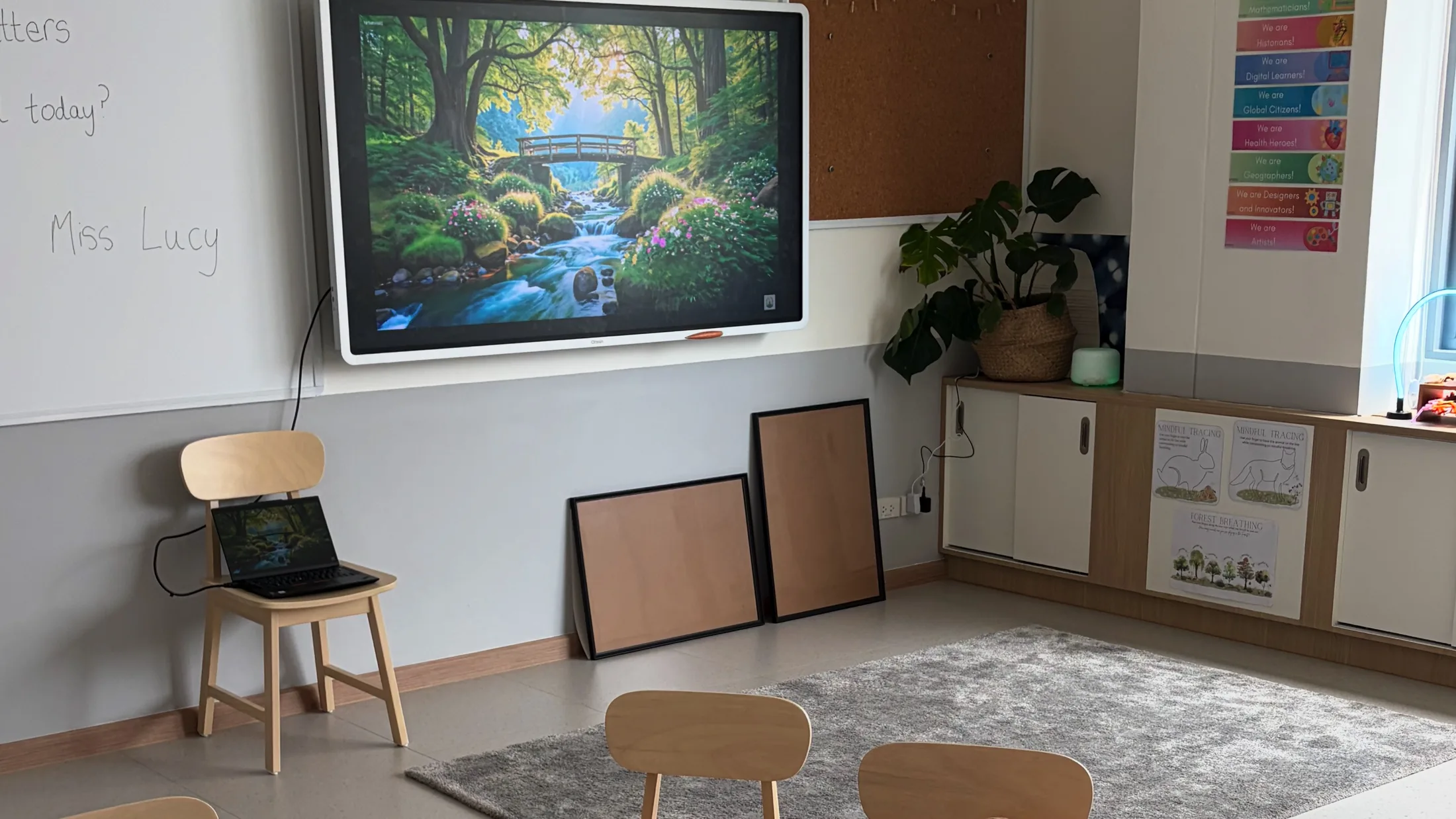
Photo: an EtonHouse classroom
Logistics, install, and teacher training were handled in one engagement. The classrooms were live on day one of the school year.
Marwen Ben KhalifaIT Manager, EtonHouse Riyadh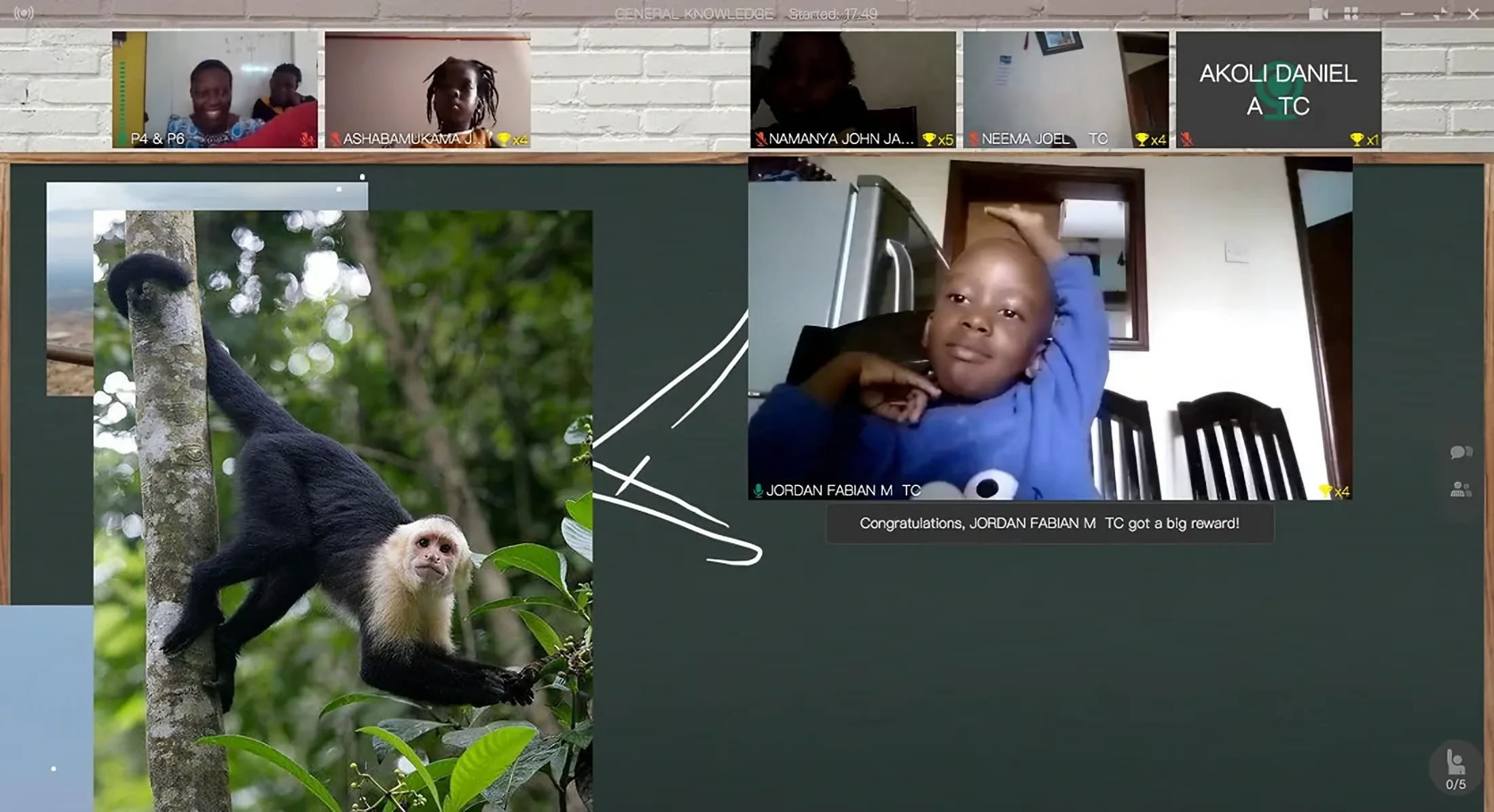
Photo: a Trinity Schools online lesson
Parents have the log-in to the students’ account, and they can quickly see if the child attended the class.
 Areebabyona KanyonyoreAdministrator, Trinity Schools, Uganda
Schools handbook
Classroom setups, hardware specifications and the Tsinghua and EtonHouse case studies, in one guide.
FAQ
Questions schools ask.
How much does ClassIn cost for a school?
The classroom hardware is quoted per room. ClassIn’s software plans are priced per teacher. We confirm the software and AI for your rooms before we quote.
How long does installation take? Do we need to renovate?
Half a day for an Essential room and one to two days for a tutorial room; a hall is planned with you. An Essential room needs no renovation: the Board can go on a mobile stand.
How much training do teachers need?
At Tsinghua University High School, teachers had one 30-minute training session, and 84% were using ClassIn actively within two months. At EtonHouse Riyadh, teachers were trained on site.
What support do we get after installation?
One vendor covers the Board, cameras, microphones and software, with a local ClassIn team in Singapore 12 hours a day, seven days a week.
Can students join a lesson from home?
Yes. Hybrid is built in: students at home see the same Board, answer the same polls and join the same lesson as the students in the room, with no second platform.
Can we try it before we commit?
Yes. Visit our Essential Demo Room in Singapore, or plan a pilot with our team.
Can’t find your question? Ask our team